

Blog
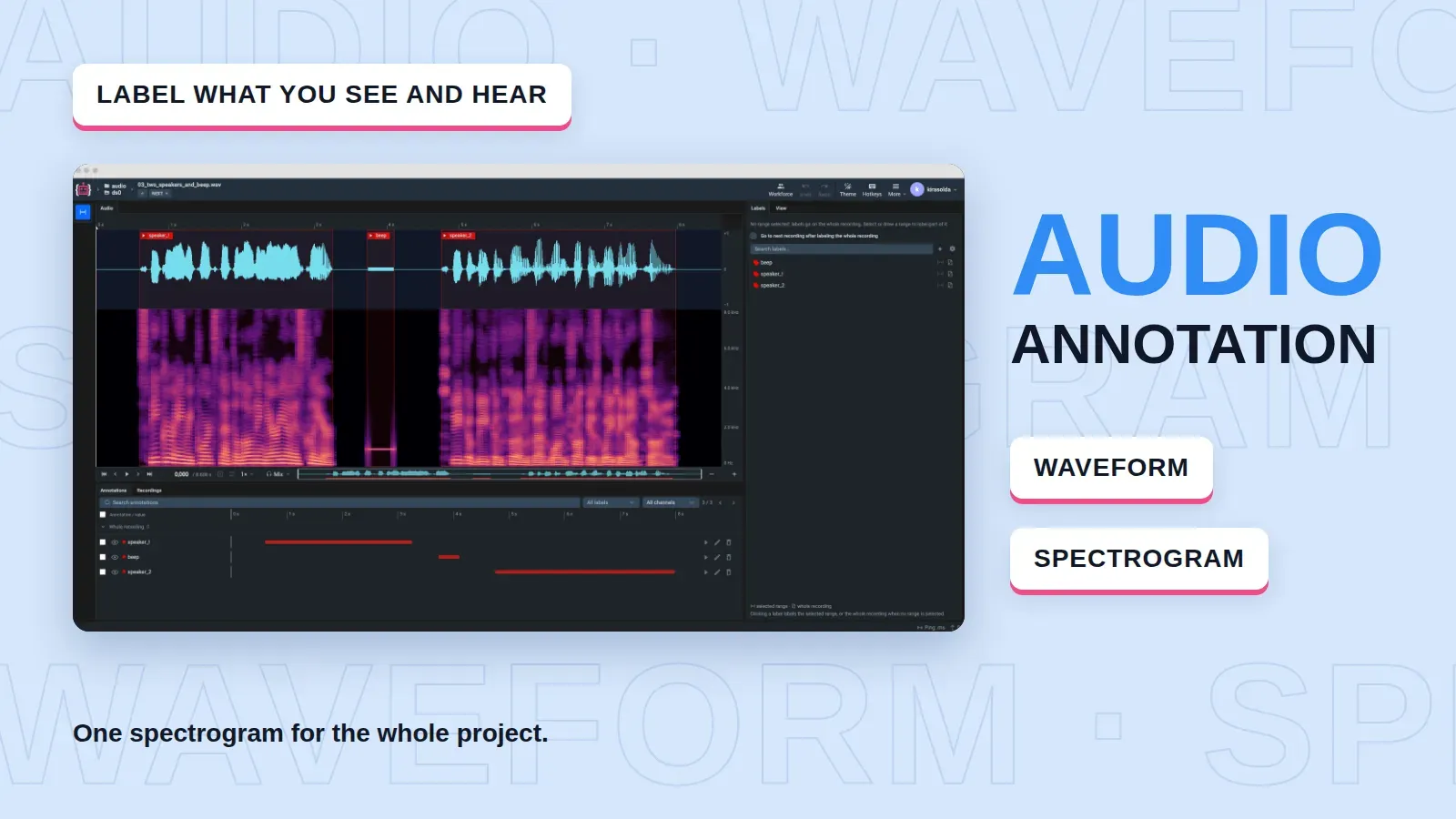
Audio Annotation in Supervisely: Waveform and Spectrogram Labeling
Label speech, machine noise and other sound events as time segments on a waveform and a spectrogram, with spectrogram settings fixed for the whole project.
 Ira Soldatova
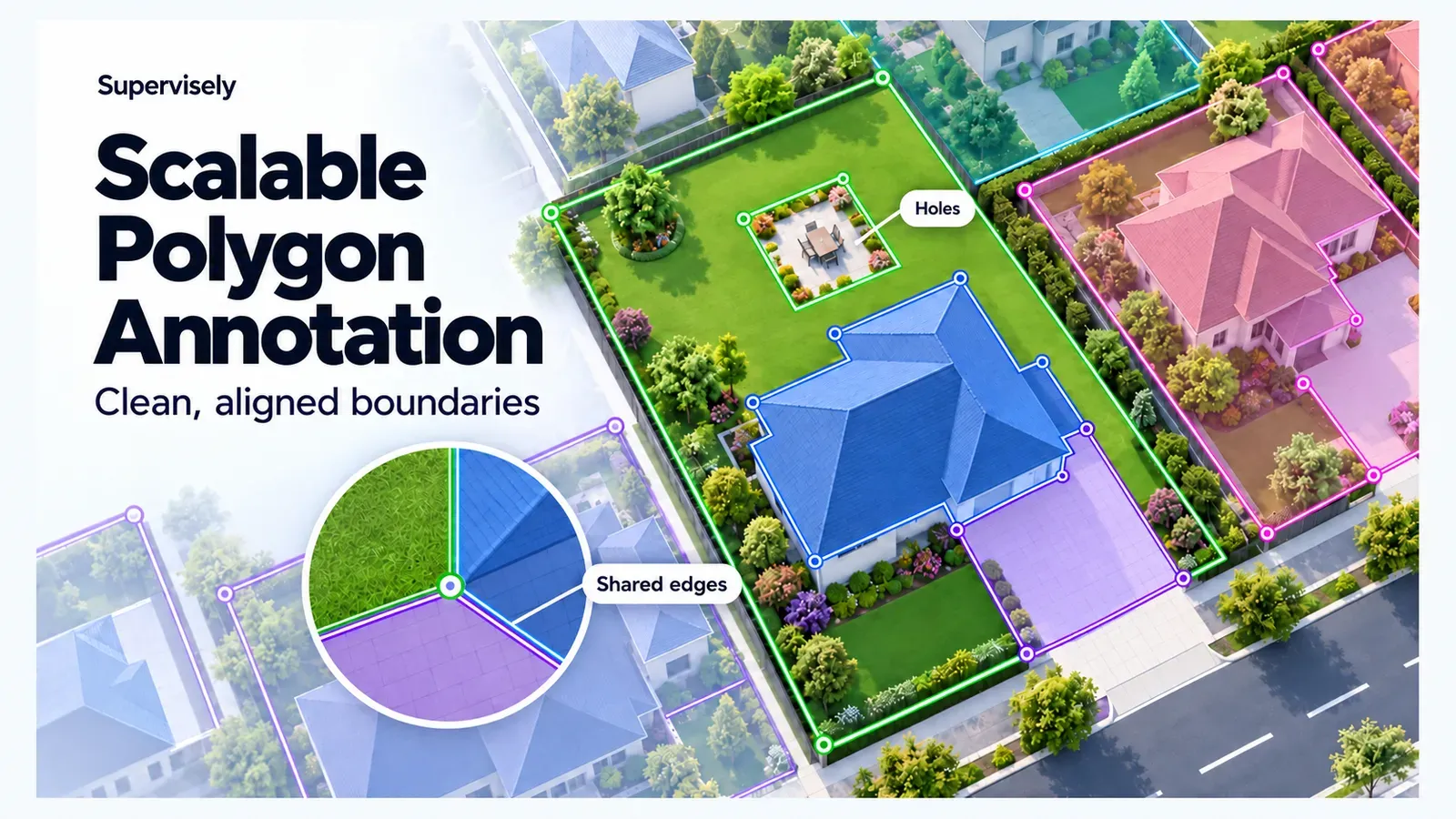
Scalable Polygon Annotation: Clean Boundaries for Geospatial Data
Annotate buildings, parcels and land cover with polygons in Supervisely: draw by hand or with AI, share boundaries, cut holes and fix mistakes.
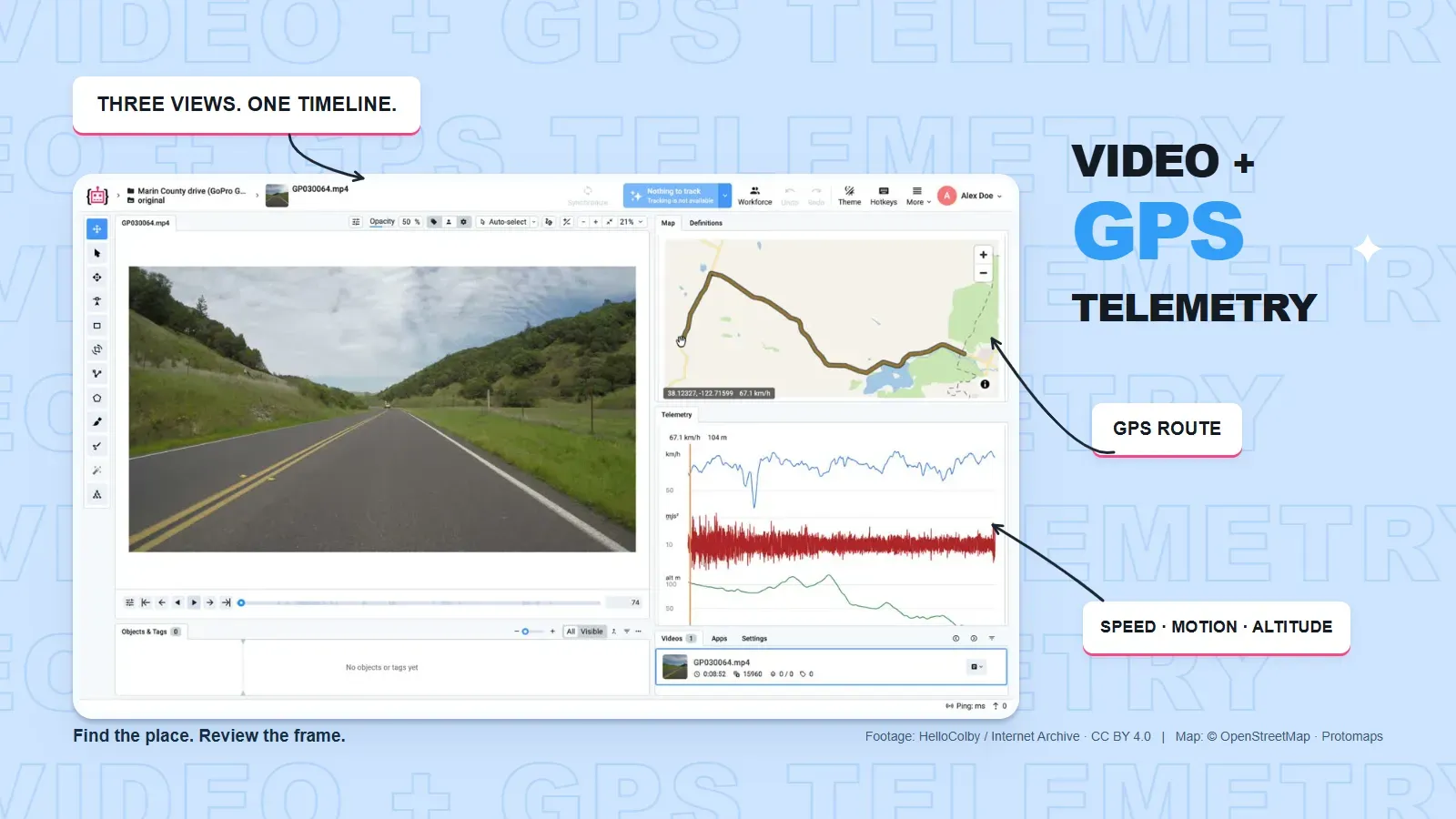
Video + GPS Telemetry: Sync Footage, Maps and Sensor Data
Review video with synchronized GPS maps and sensor charts in Supervisely, find events by route or telemetry, and label real-world footage for Physical AI.
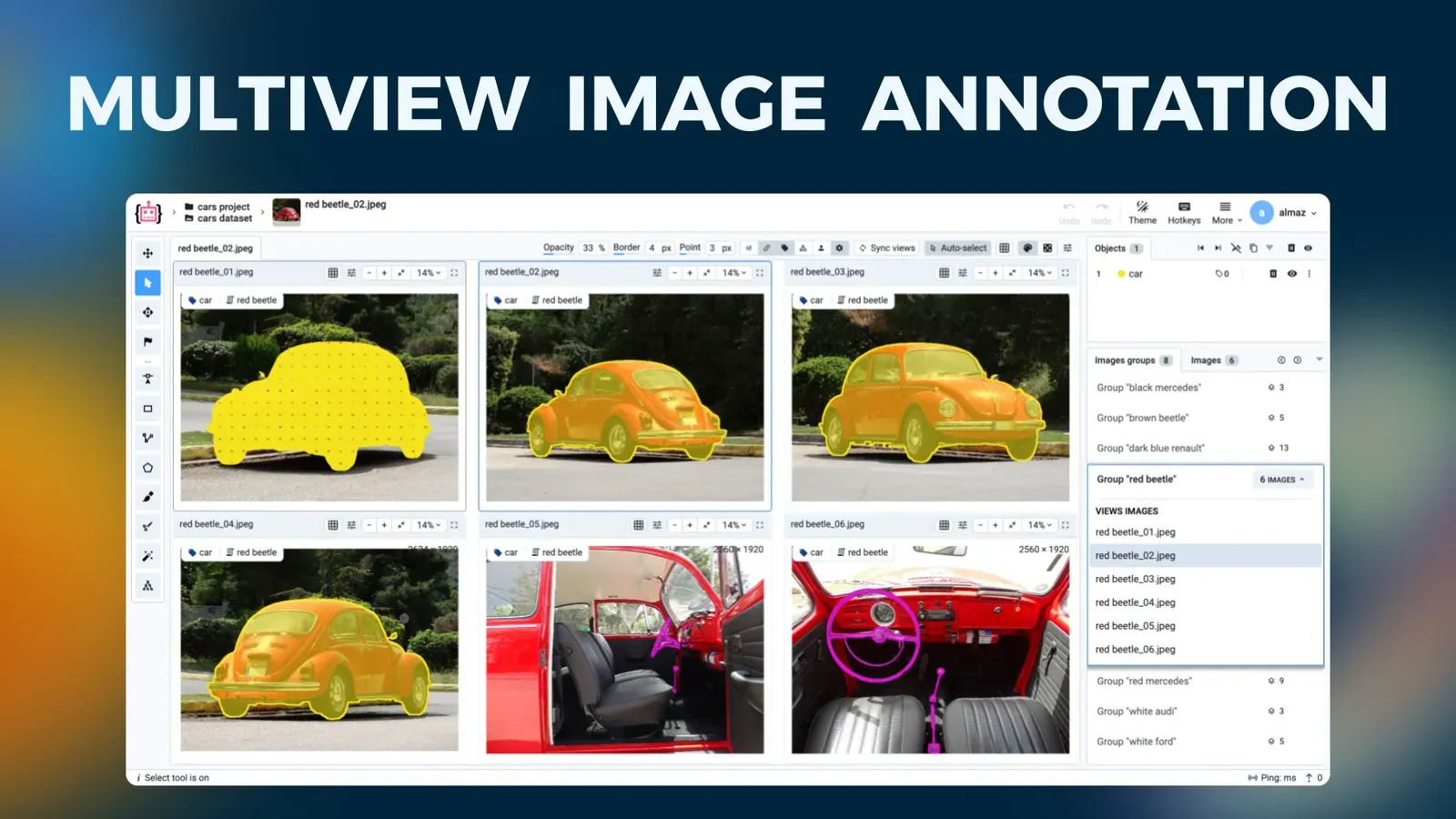
Multiview Image Annotation: How to Label Image Groups Together
Multiview annotation labels images of one scene from several cameras on a single screen. Learn to structure, import, annotate and export image groups.
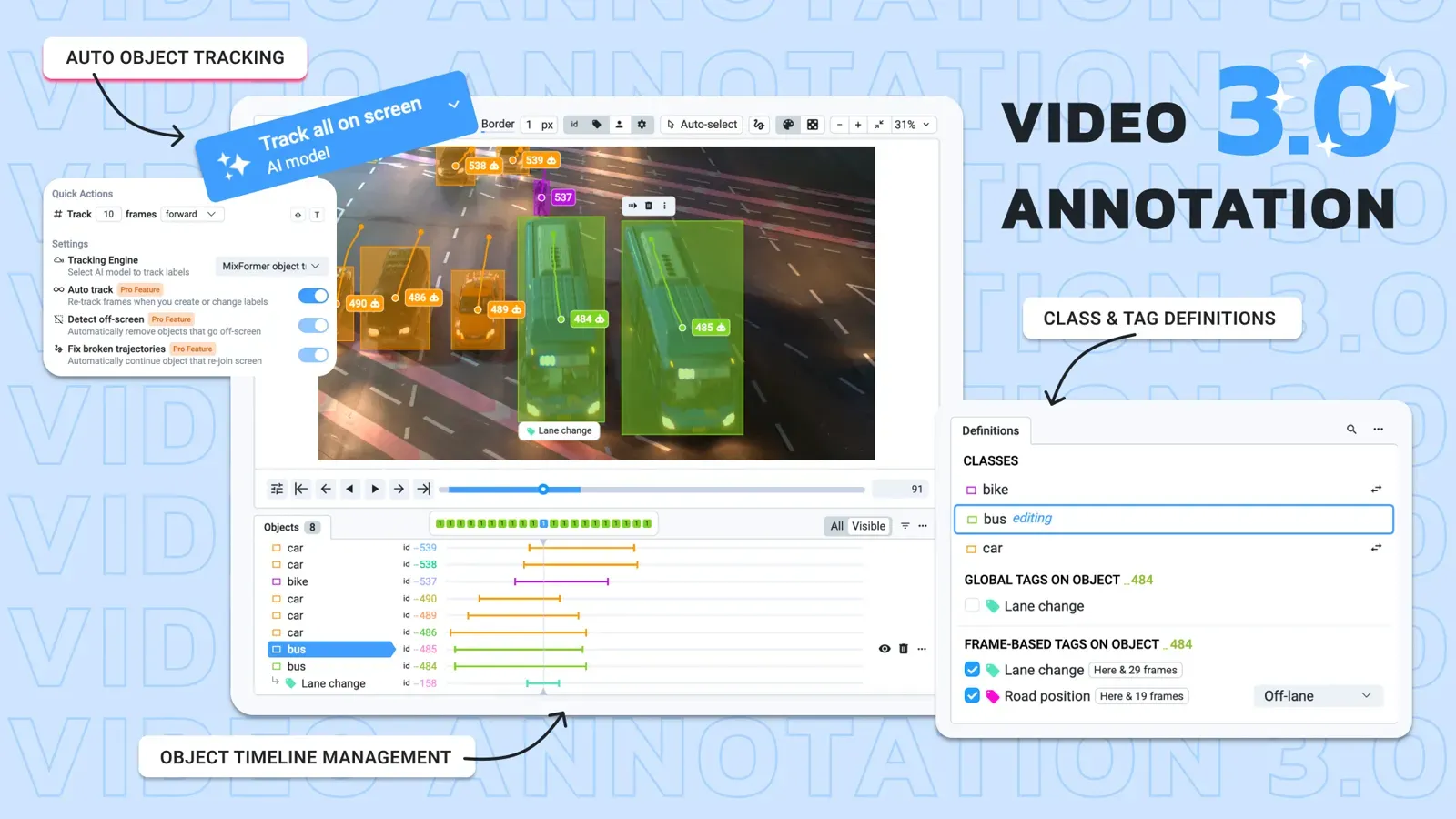
Video Annotation Tool 3.0: AI Auto Tracking, Tags and Timelines
What is new in Supervisely Video Annotation 3.0: AI auto tracking, one-checkbox frame tags, an Objects & Tags timeline, trajectories and a white theme.
Dataset Versioning for Computer Vision and Experiment Tracking
Dataset versioning for computer vision: compare DVC, Git LFS and Supervisely, and link dataset versions to experiments, models and benchmark reports.
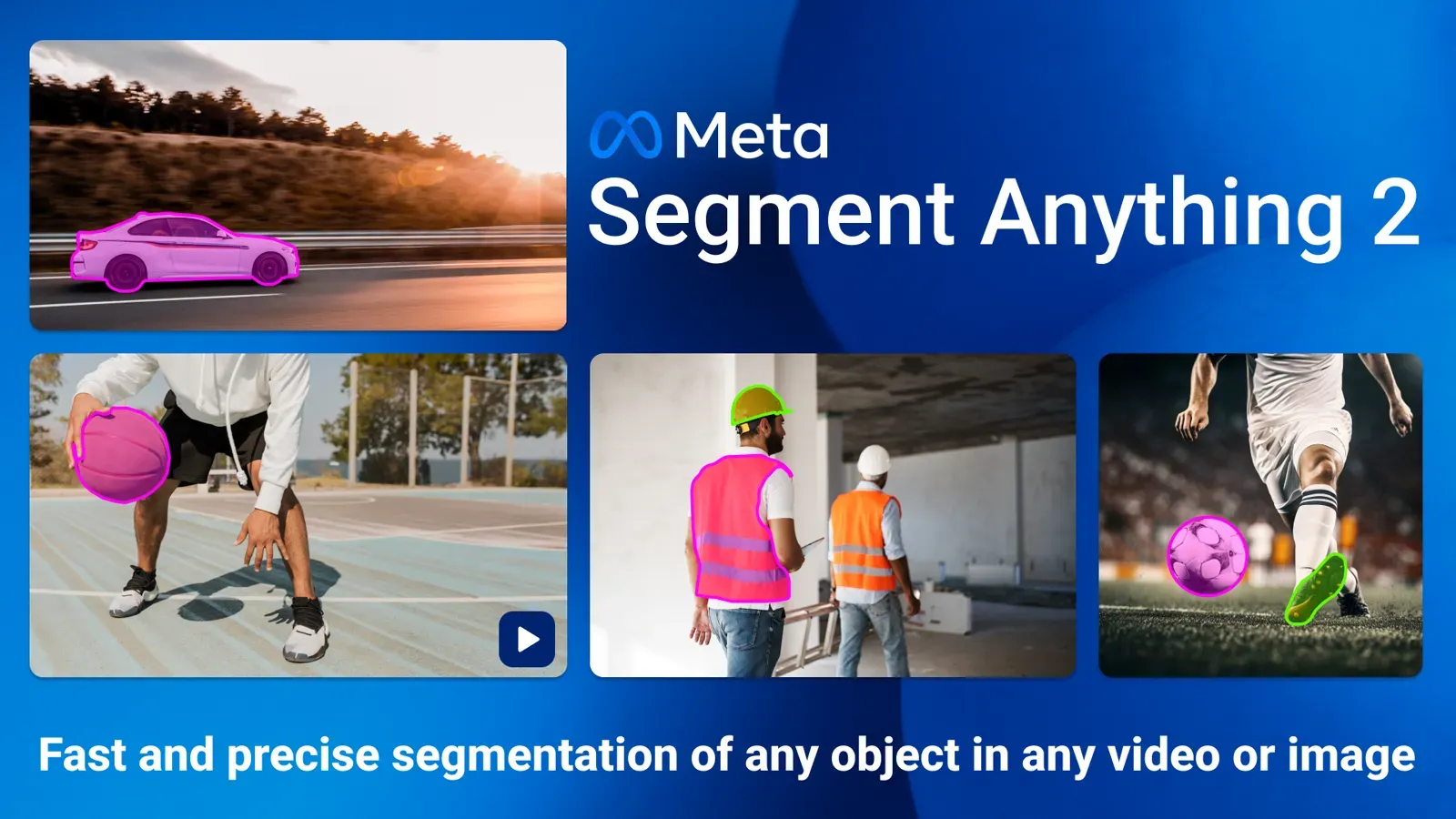
Segment Anything 2 (SAM 2): Video Segmentation, SAM 2.1 and SAM 3
SAM 2 segments and tracks objects in images and video. See what changed in SAM 2.1 and SAM 3, a SAM vs SAM 2 vs SAM 3 table, and how to use it in Supervisely.
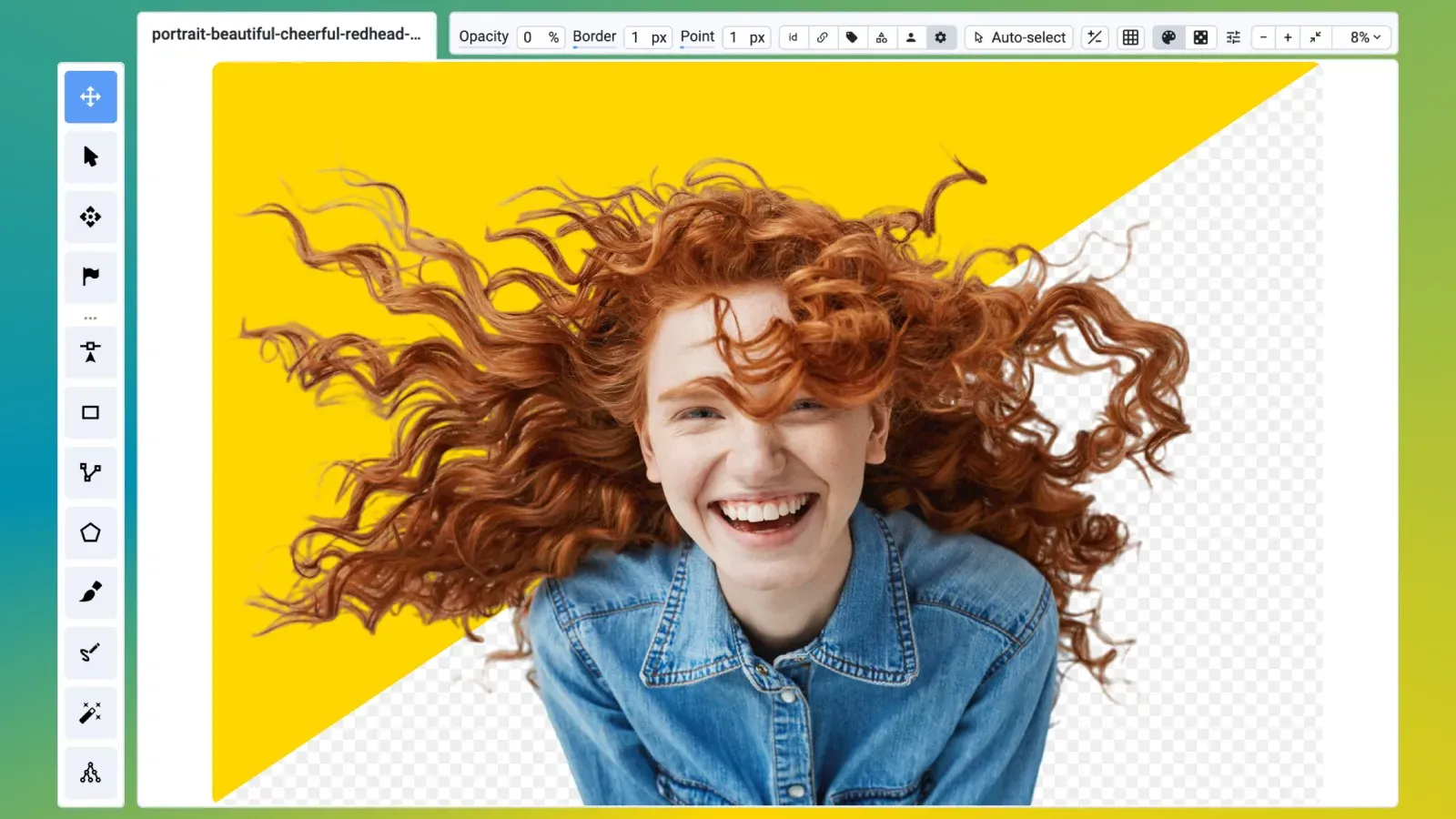
Image Matting: How to Create Alpha Masks With Matte Anything
Image matting estimates partial transparency for each pixel. Learn to label alpha masks in Supervisely with Matte Anything pre-labeling and the Brush tool.
How to Use 3D Slicer With Supervisely for Medical Annotation
Connect 3D Slicer to Supervisely labeling jobs: install the extension, annotate and review CT and MRI volumes, and keep your team's workflow in one place.
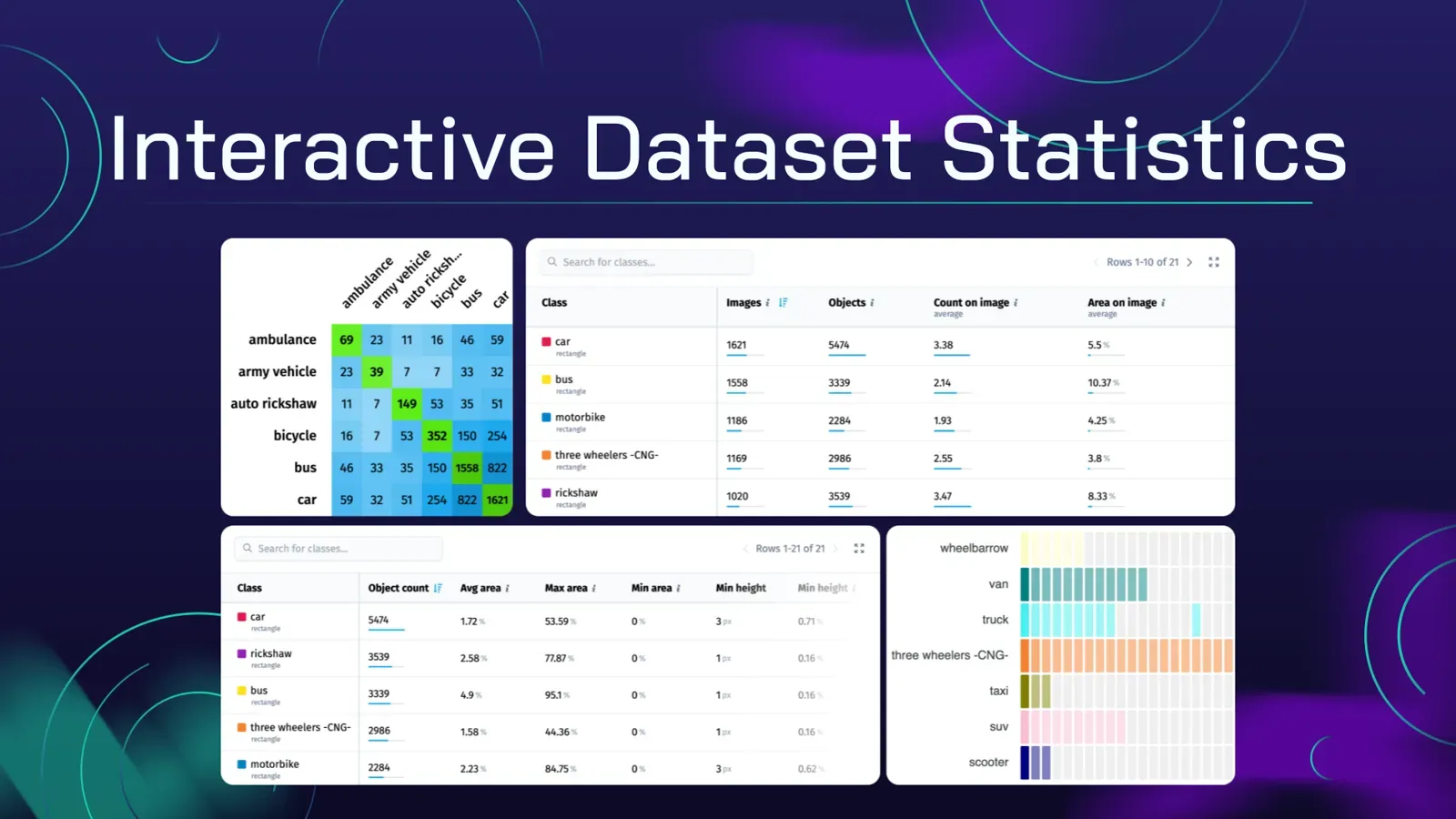
Data Annotation QA: Checklist and Tools for Training Datasets
A data annotation QA checklist for computer vision datasets: what to check, which numbers to track, and how to find label errors with interactive statistics.
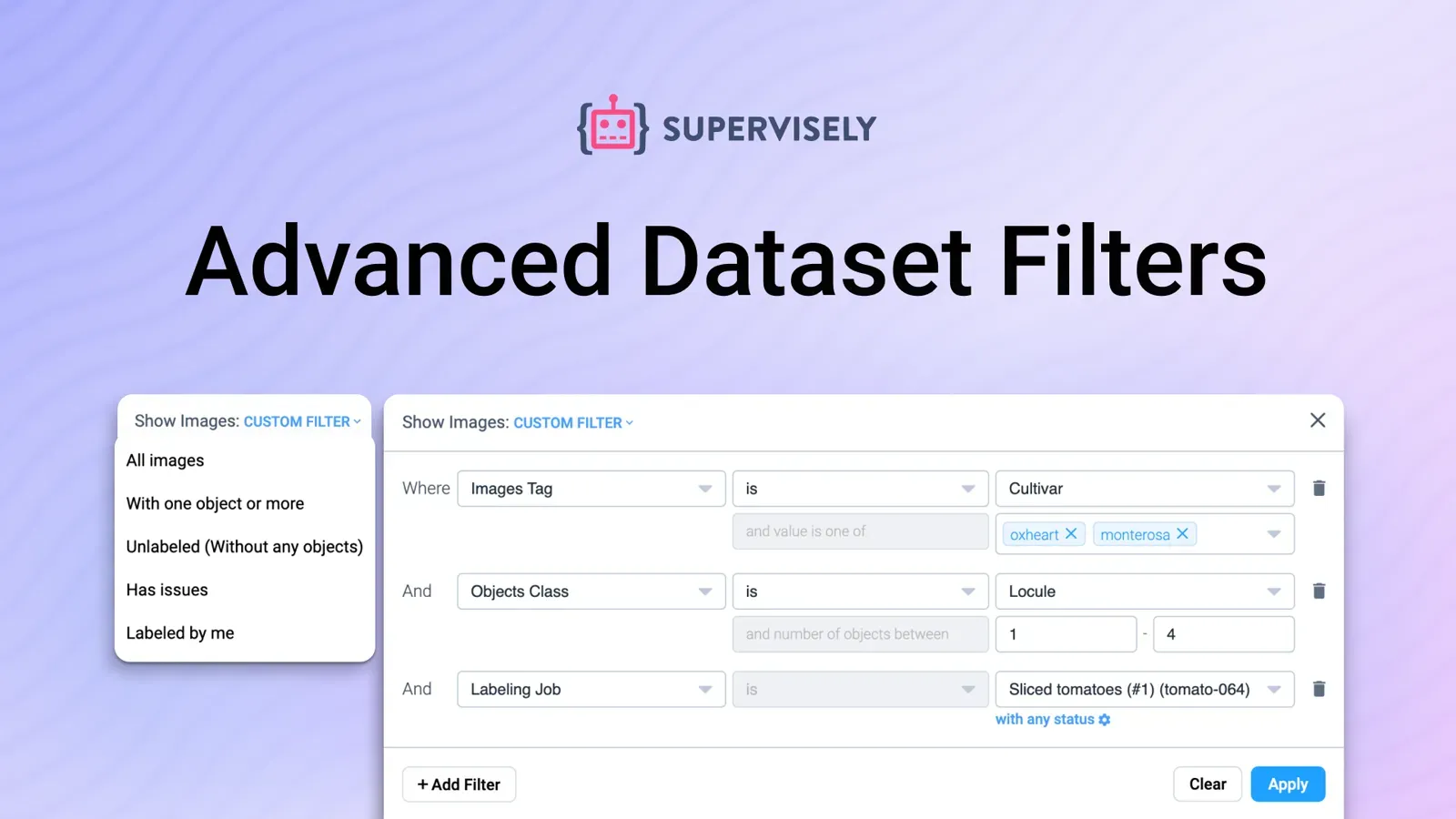
How to Filter and Query a Computer Vision Dataset
Filter image datasets by class, tag, object count, author, issue or labeling job status, preview results live and act on them. A Supervisely filters tutorial.
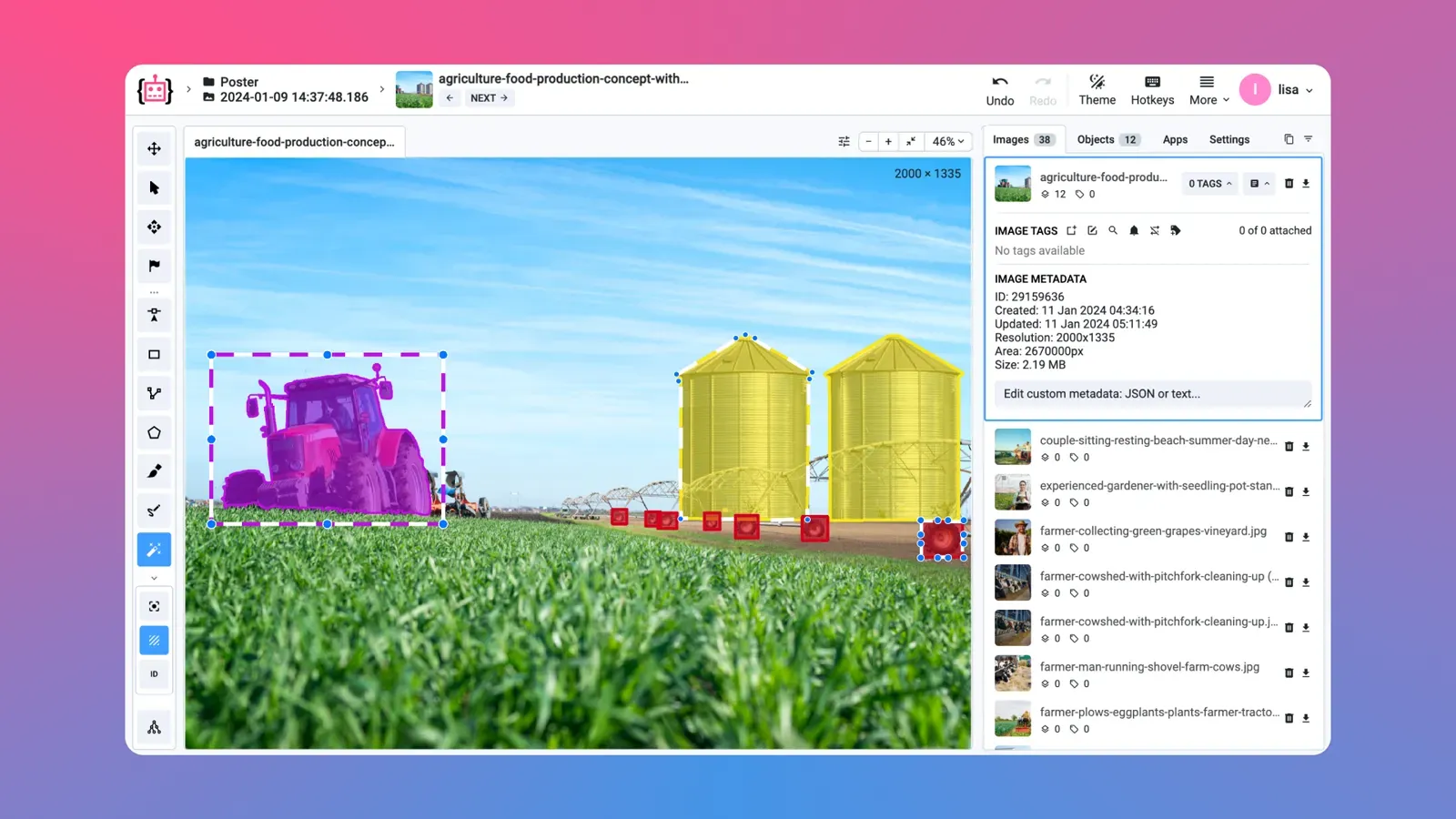
How to Speed Up Image Labeling: Toolbox Features That Save Clicks
Speed up image labeling with fewer clicks per object: pick the right shape, pre-label with a model, clone objects and use hotkeys in the Supervisely toolbox.
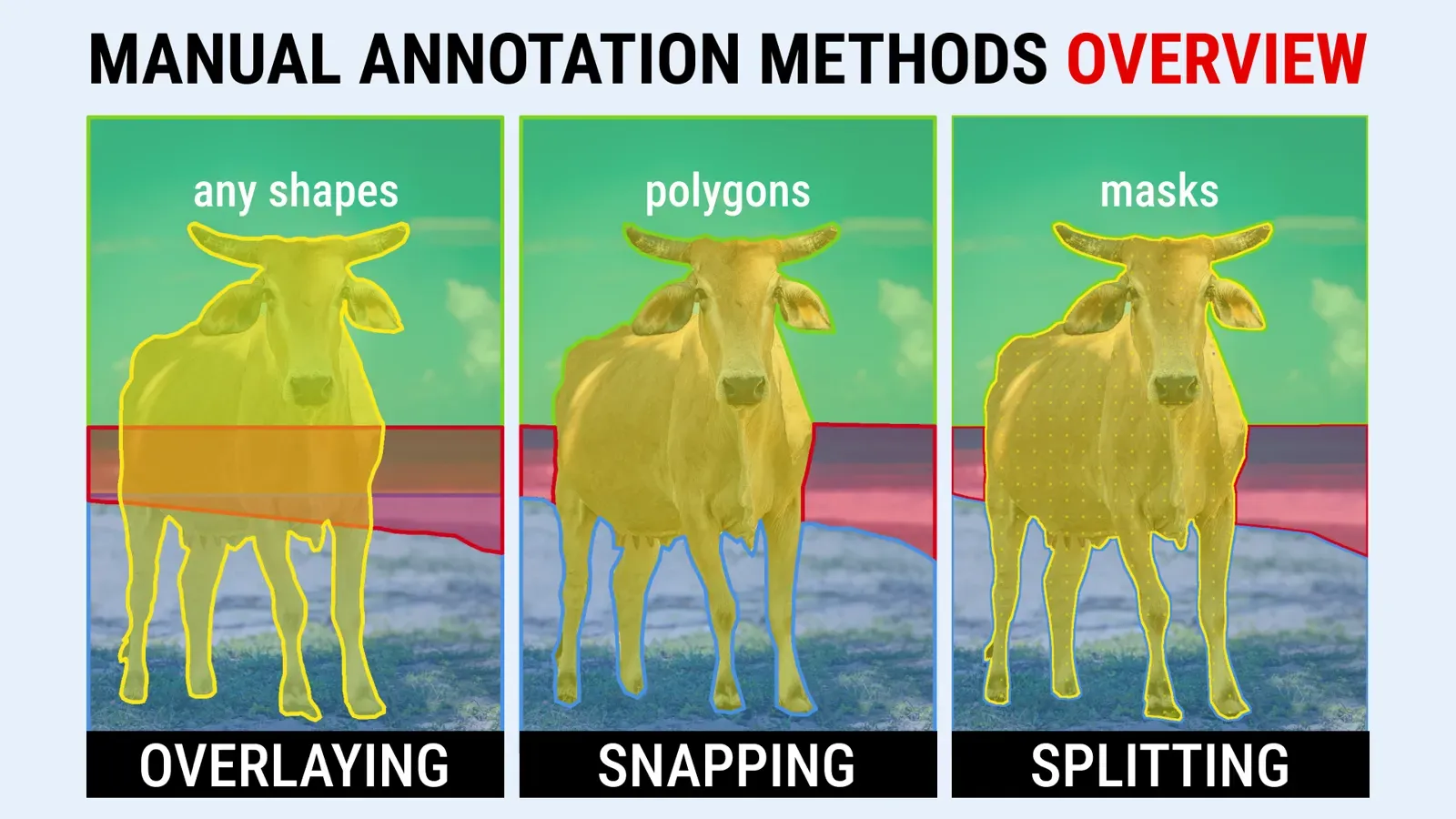
Manual Image Segmentation: Layering, Snapping and Splitting Compared
Manual image segmentation compared: Layering, Snapping and Splitting on the same livestock images, with when to use each, a comparison table and a summary.
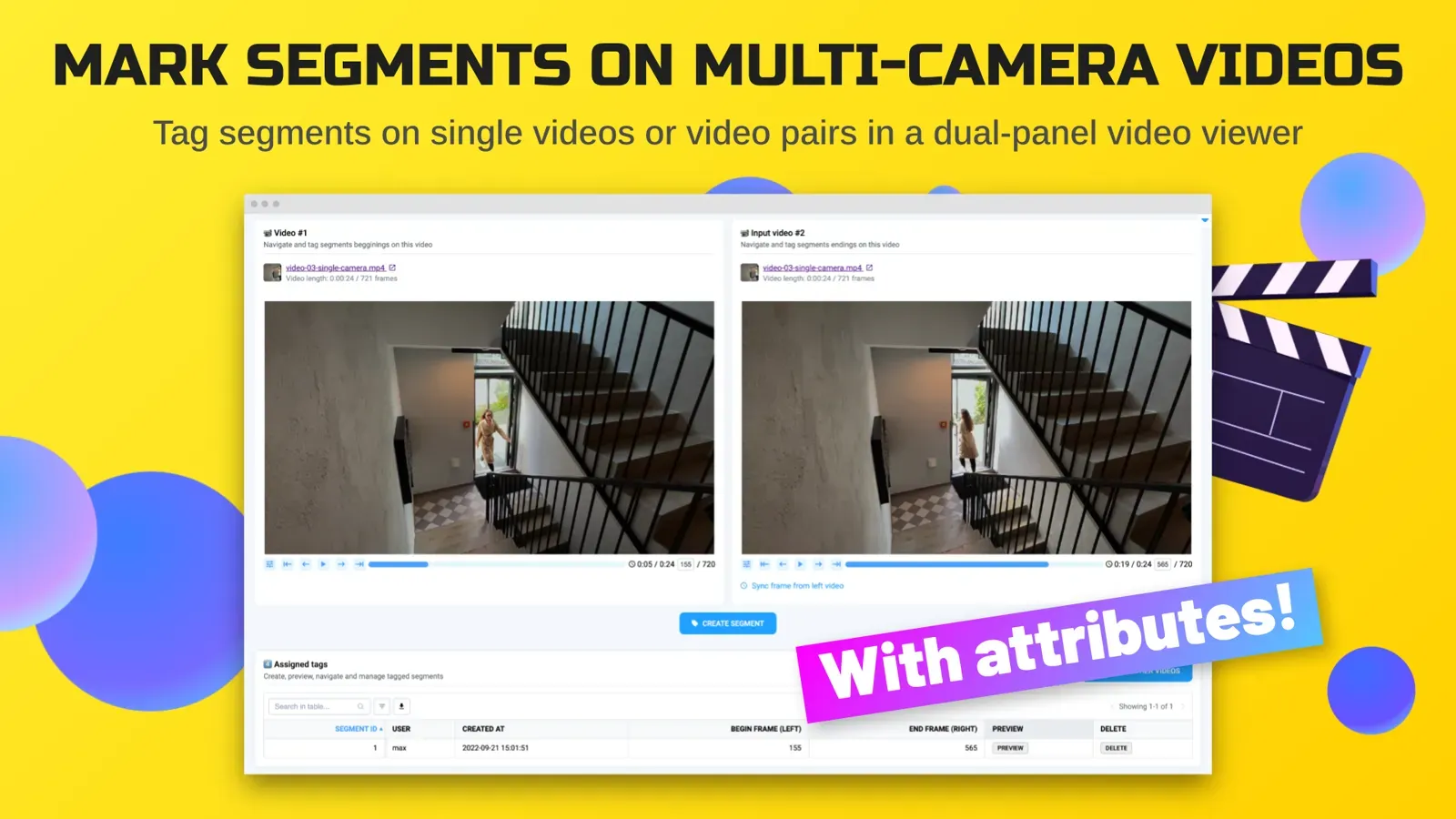
How to Tag Multi-Camera Video Segments for Action Recognition
Label actions across synchronized or unsynchronized camera feeds. Tag segments, draw regions and save the results as JSON with a Supervisely app.
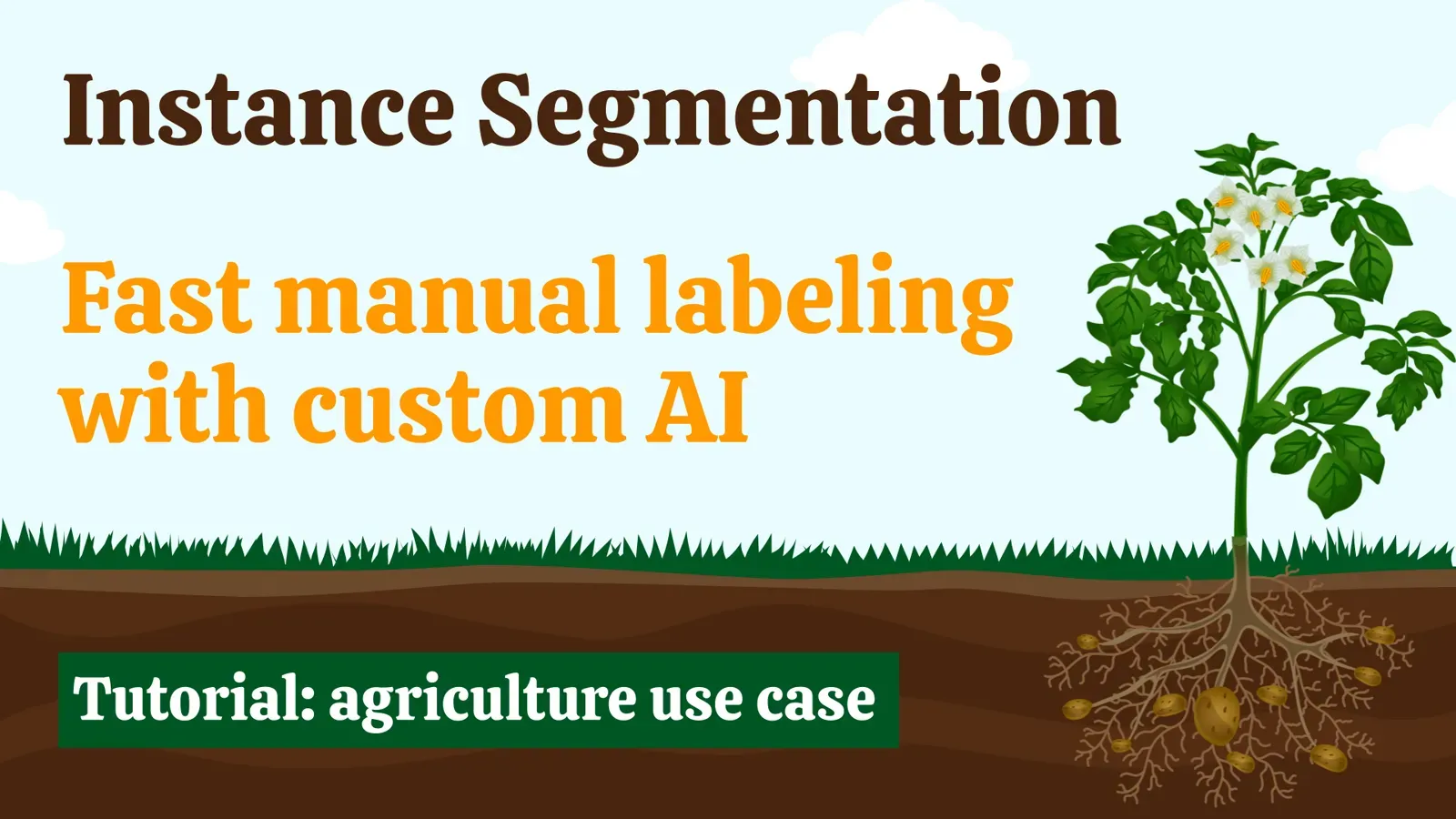
Custom Interactive Segmentation Model: Train It on Your Images
Train a custom click-based segmentation model (RITM) on your own images with no code. Benchmark on plant images: 18 minutes vs 66 for SAM and 190 by hand.
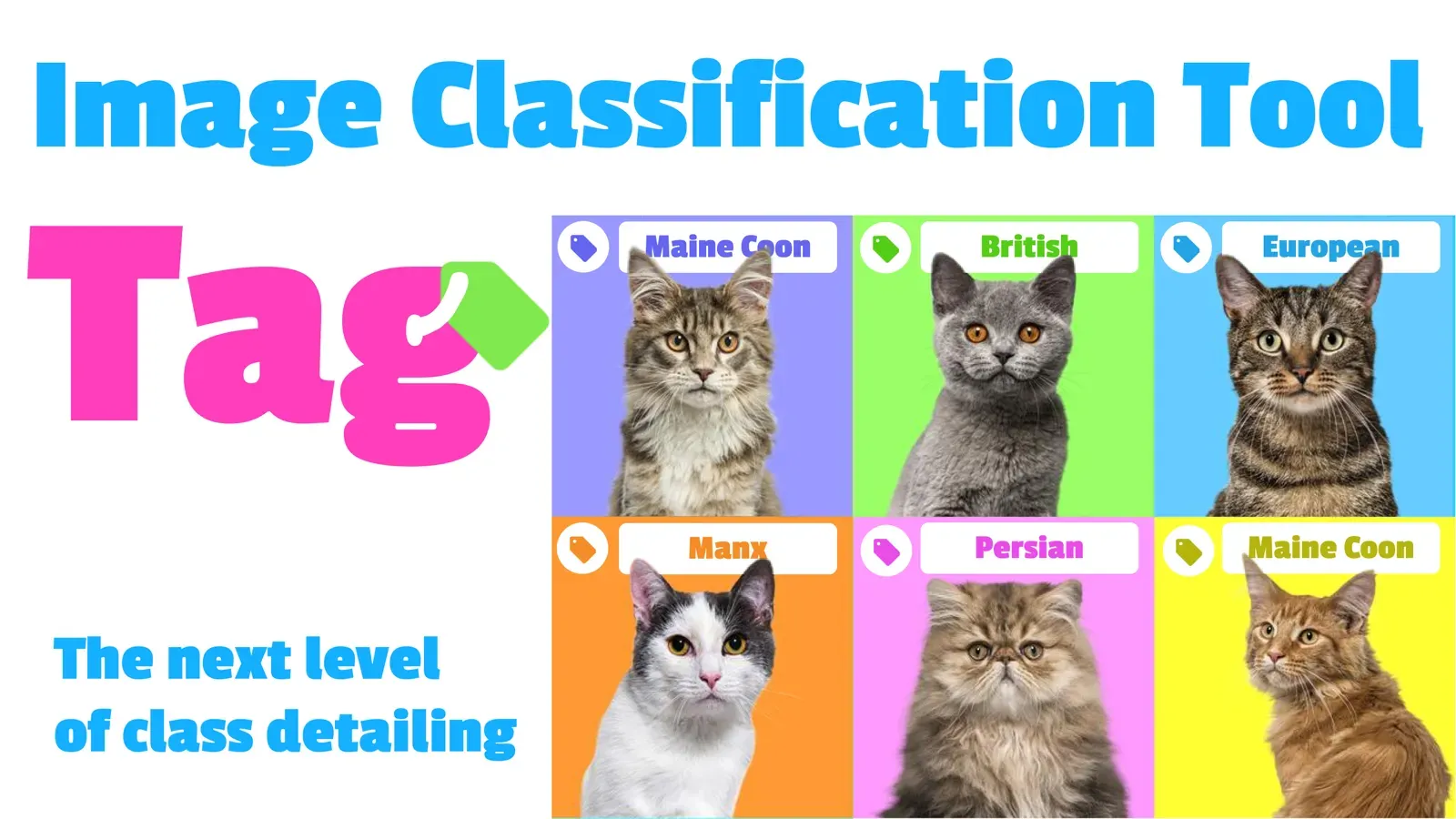
Image Tags: What They Are and How to Use Image Tagging in CV
Image tags label a whole image or one object with a type, property or context. Learn tag types, tags vs classes, and how to create and apply tags.
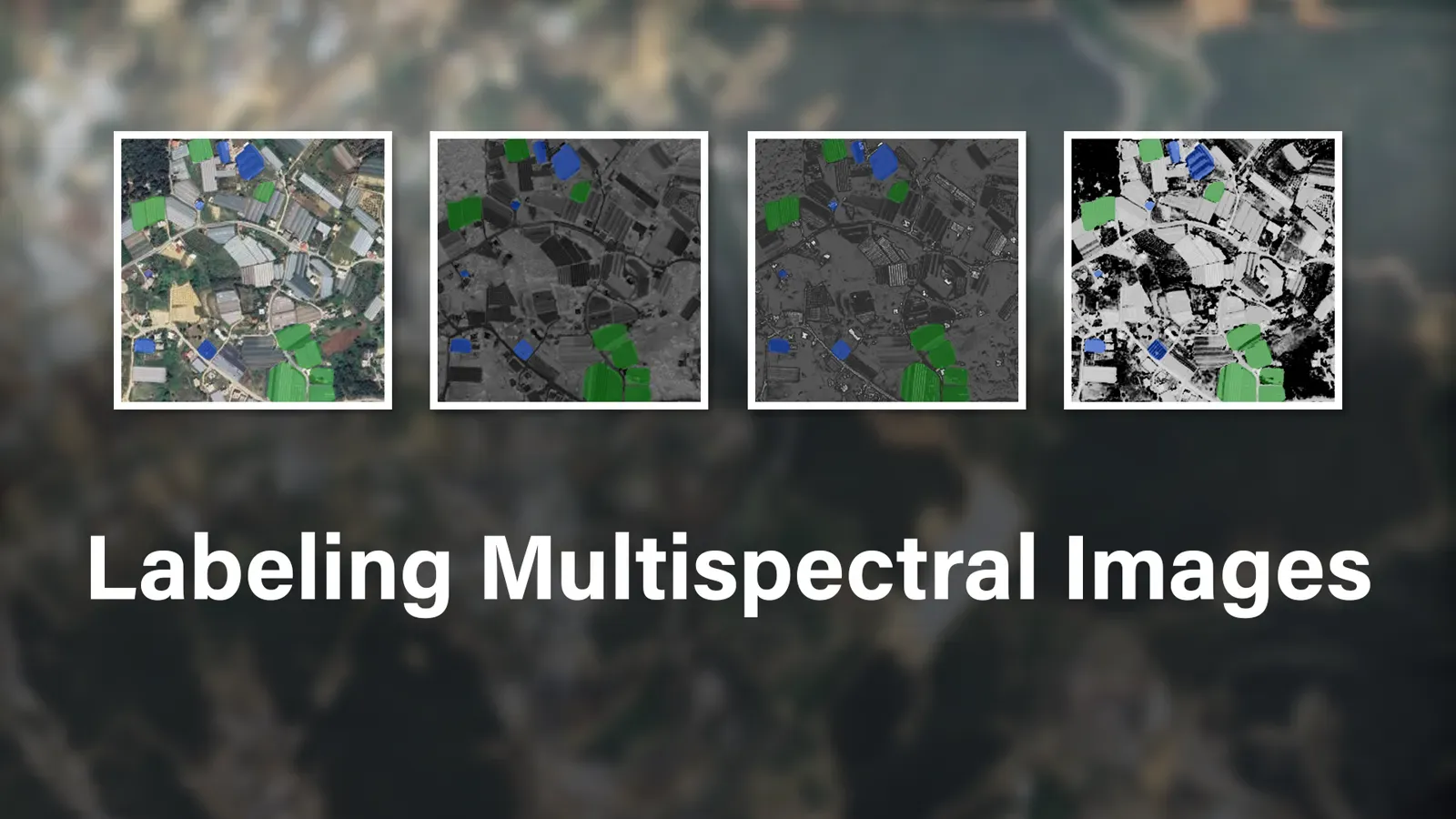
How to Annotate Multispectral Images for Computer Vision Models
Annotate the bands of a multispectral image together as a group. See how to import images, sync pan and zoom, mirror labels and use AI in Supervisely.
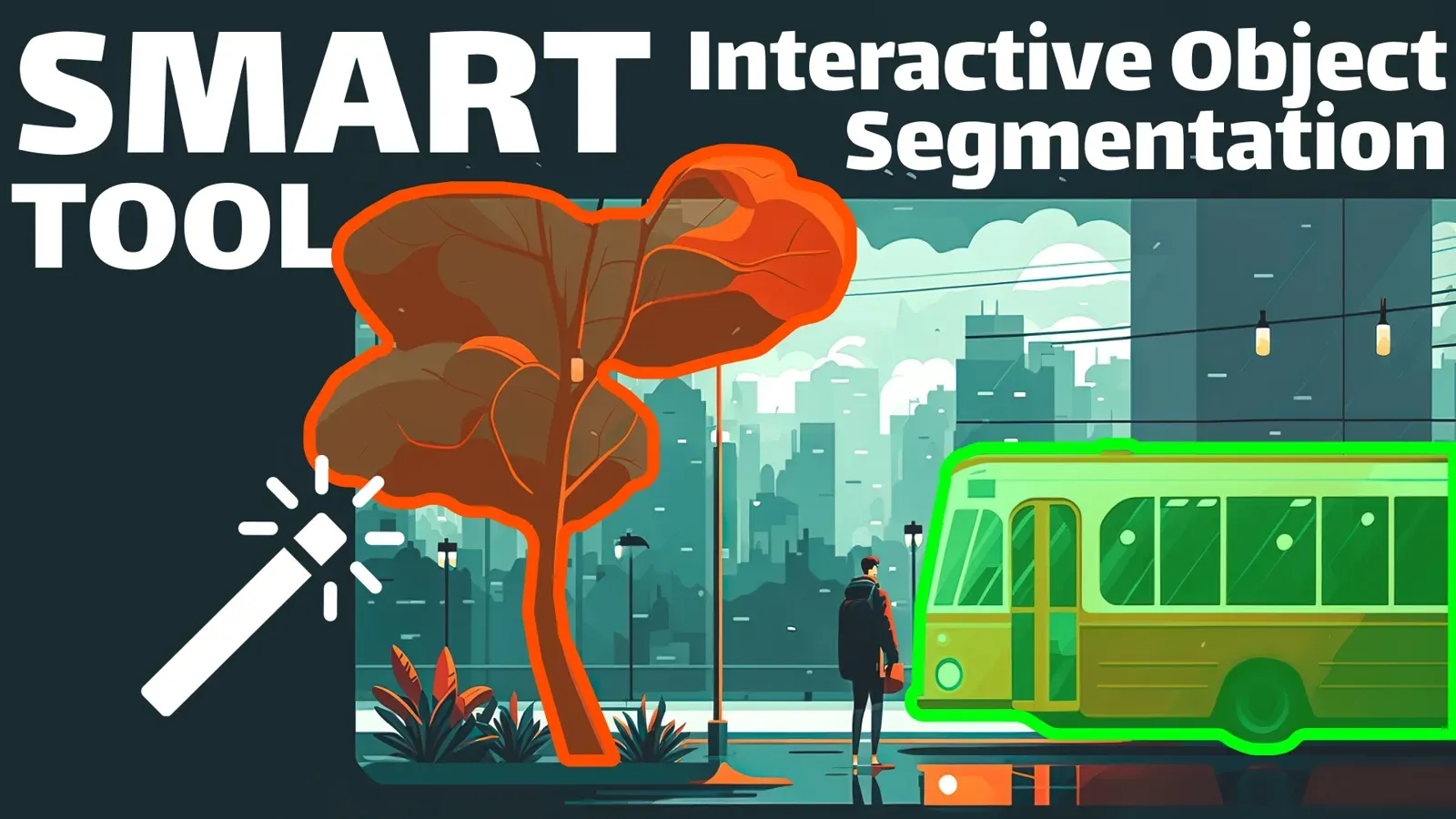
Interactive AI Segmentation: Label Objects With the Smart Tool
Draw a box, add a few clicks and get a mask from SAM, RITM or ClickSEG. Learn the Smart Tool workflow, hotkeys and how to fix or retrain its predictions.

Brush Annotation Tool: How to Segment Objects With Free-Form Masks
The Brush tool paints free-form pixel masks for objects with no clear edges. See one-click masks, Eraser, Pen, Bucket Fill, Polygon Split and hotkeys.
Mask Pen Tool: How to Segment Objects and Their Parts
The Mask Pen tool mixes polygon clicks with freehand drawing in one mask. Learn how to use it, split an object into parts, fix holes and pick the right tool.
Semi-Supervised Learning: Train a Model with 62 Labeled Images
Semi-supervised HRDA on 62 labeled and 2,222 unlabeled images reached 0.6271 mIoU vs 0.7354 for a model trained on 11,110 labels. Setup and results.
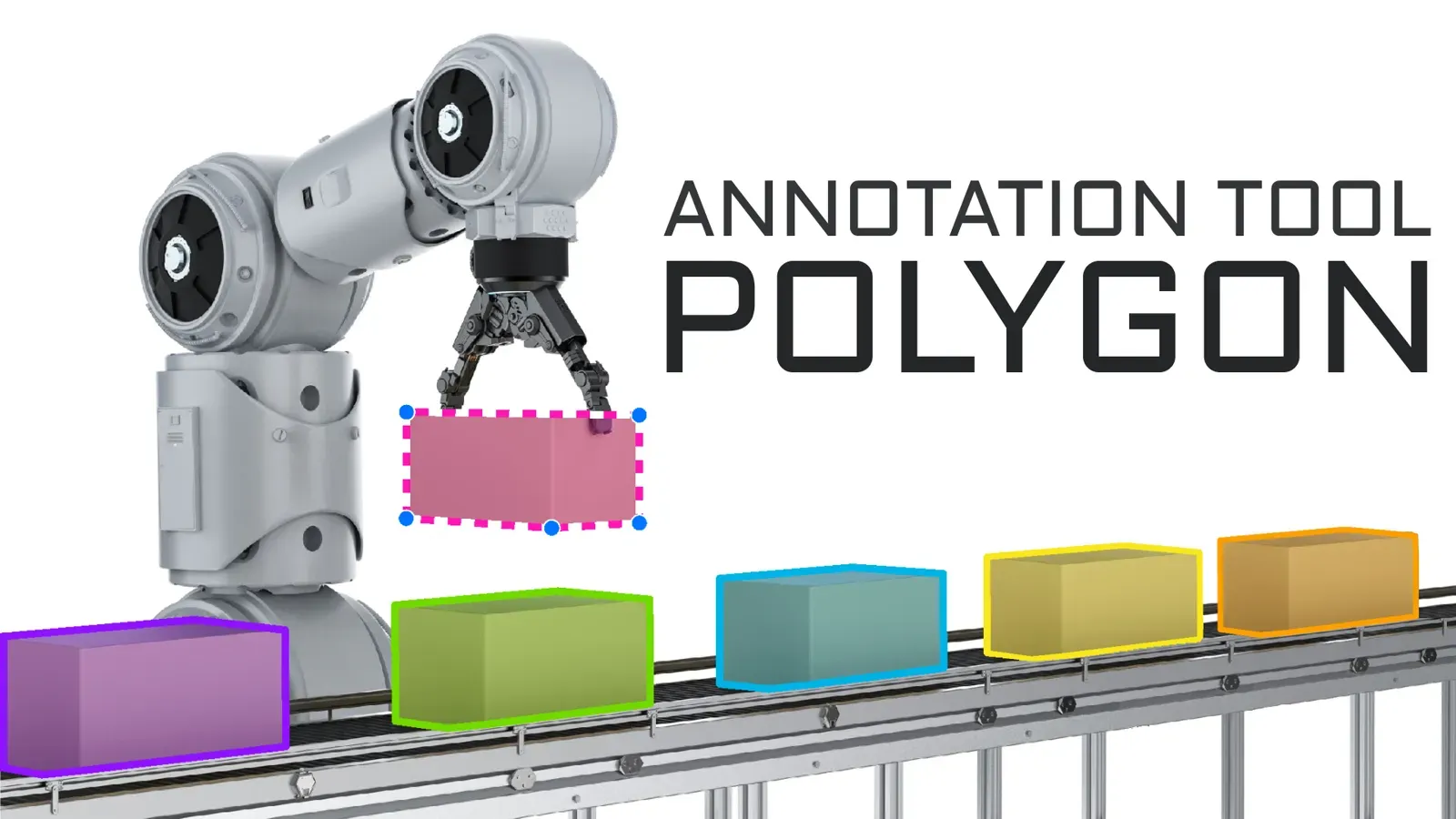
Polygon Annotation: How to Label Objects for Image Segmentation
Polygon annotation outlines objects point by point for semantic and instance segmentation. Learn the Polygon tool: snapping, auto-points, editing and hotkeys.
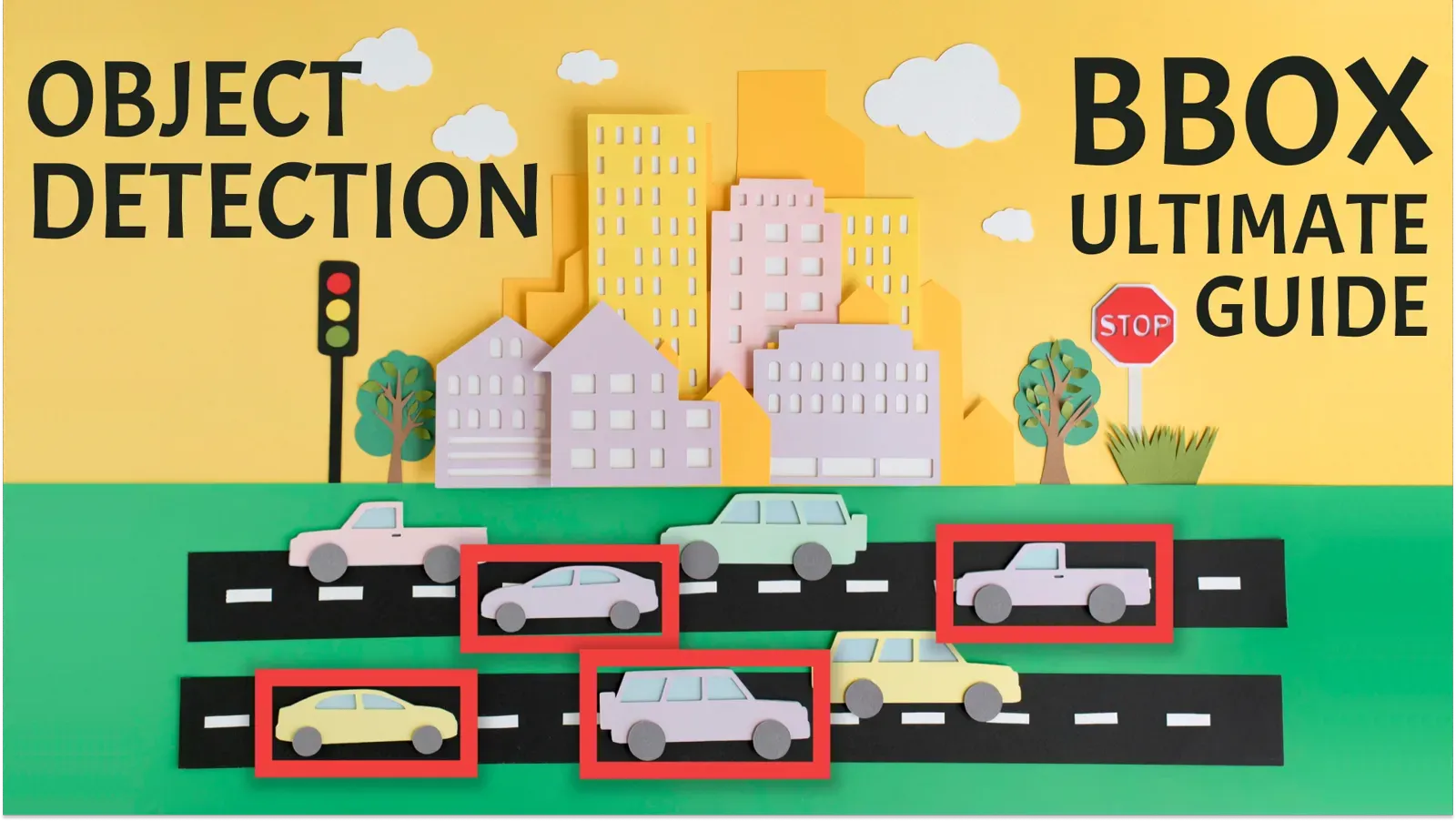
Bounding Box Annotation: How to Label Boxes for Object Detection
How to label bounding boxes for object detection: polygon vs bounding box, click-saving tips, pre-labeling with OWL-ViT and YOLOv8, and export formats.
How to Use 3D Object Interpolation to Speed Up Point Cloud Annotation
Label a 3D bounding box at the start and end of a point cloud episode and let spline interpolation fill the frames between. Step-by-step guide with video.
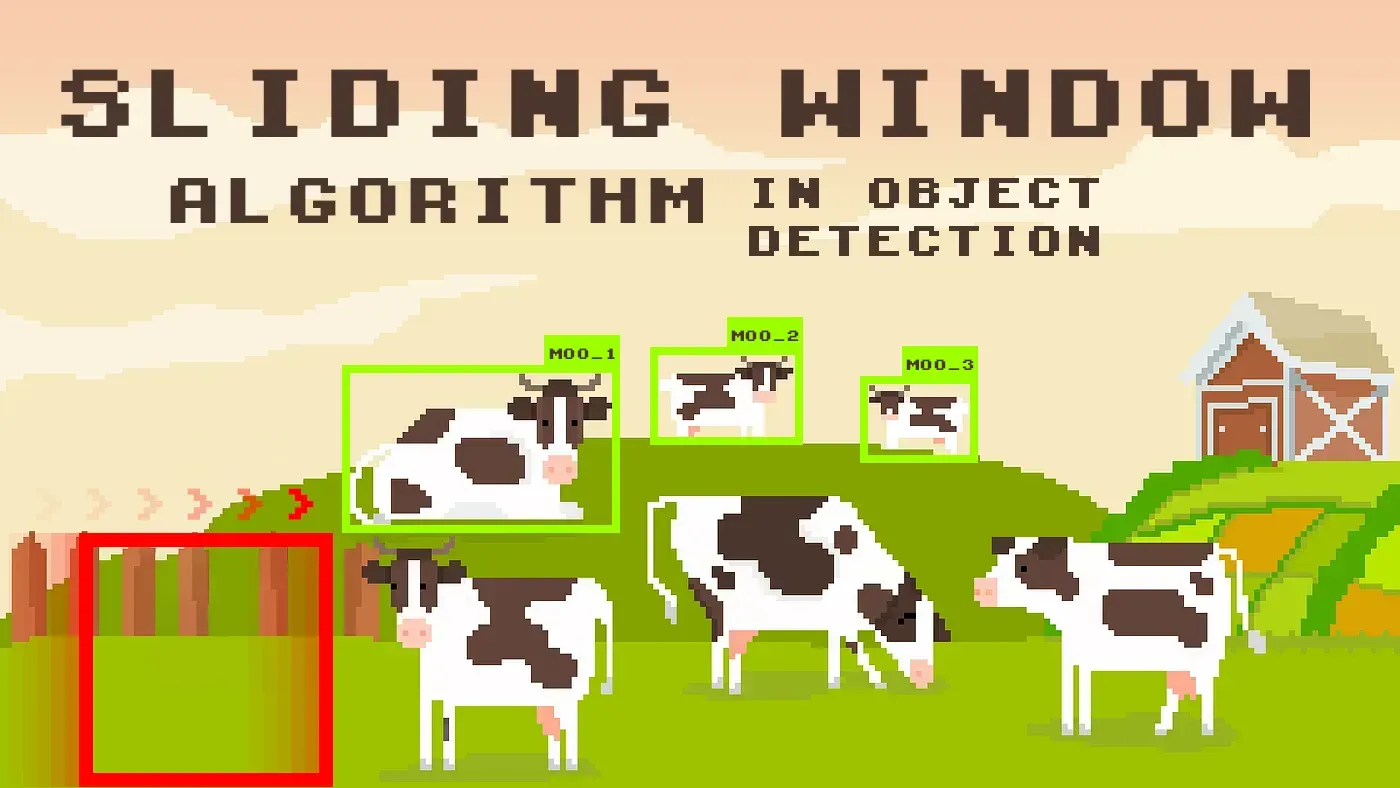
Sliding Window Object Detection: How It Works, SAHI vs Sliding Window
Sliding window inference runs a detector on overlapping tiles of a large image to find small objects. Learn how it works, SAHI vs sliding window, and setup.
MBPTrack Tutorial: 3D Point Cloud Object Tracking for LiDAR & Radar
Track a 3D object through point cloud frames with MBPTrack, a memory-based 3D single object tracking model, and run it in Supervisely's LiDAR toolbox.
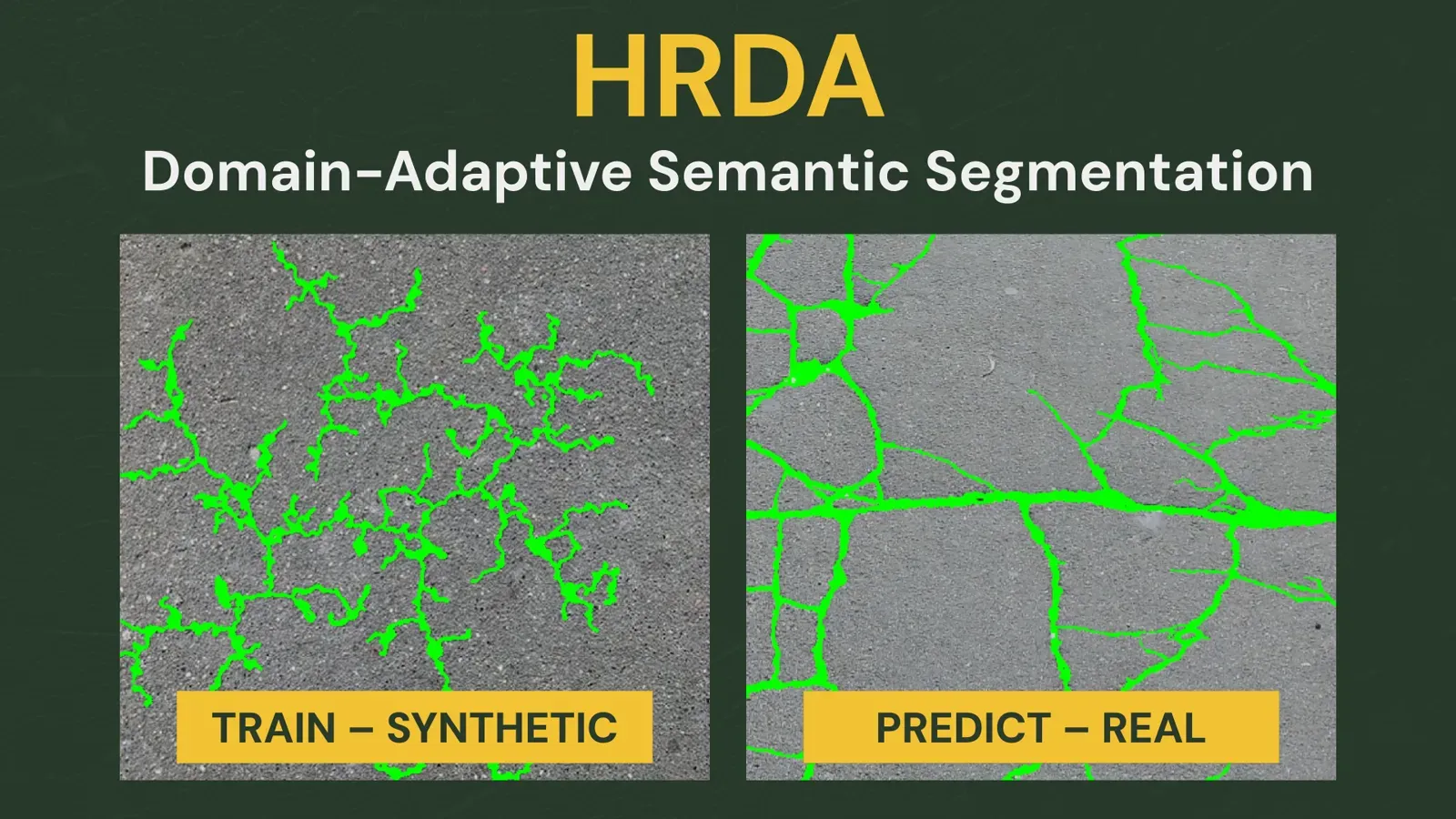
Domain Adaptation with HRDA: Train on Synthetic Data
Train a crack segmentation model on synthetic images plus unlabeled real photos with HRDA domain adaptation. Data, setup, 20,000-iteration run, results.
Labeling Queues: Share Annotation Work Across a Team
A labeling queue hands out images from a shared pool, so faster annotators take more work. Learn how queues work, the steps to set one up, and when to use jobs.
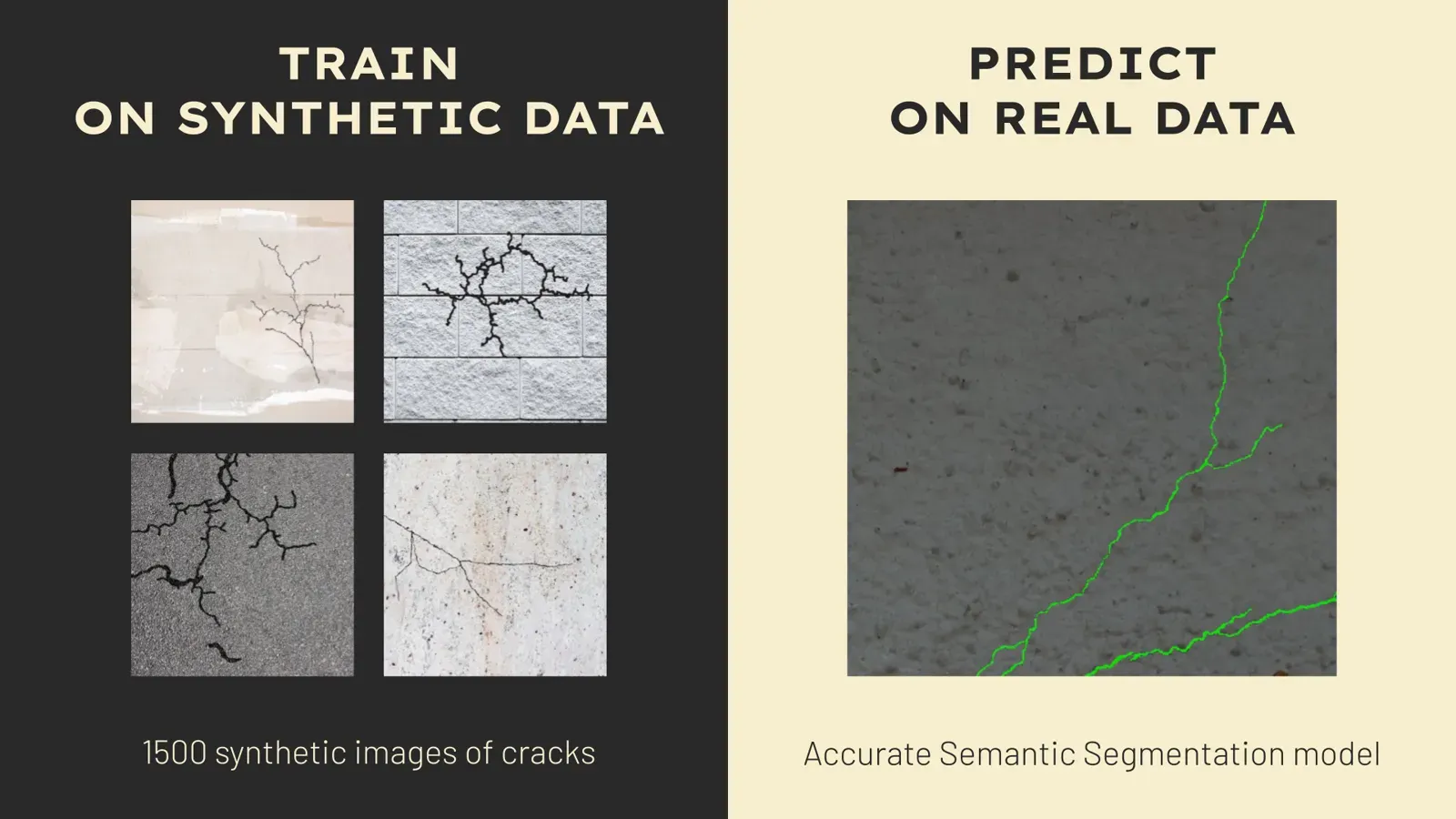
Synthetic Data for Segmentation: 7 Steps That Improved Our Model
What we learned training dozens of segmentation models on synthetic cracks: seven data steps, from edge smoothing to style transfer, that narrowed the gap.
Labeling Jobs: Assign, Label and Review Data in a Team
Labeling jobs split a dataset into tasks for annotators and reviewers. See the roles, the create-label-review steps, statistics and export in Supervisely.
Dataset Ninja: Search and Explore Computer Vision Datasets
Dataset Ninja is a free catalog to search computer vision datasets by industry, class or license, explore statistics and train in Supervisely in a click.
Pose Estimation Models: Human and Animal Pose Estimation Explained
What pose estimation is, which models to pick (OpenPose, HRNet, ViTPose, RTMPose, YOLO pose) and how to label keypoints for people and animals in Supervisely.
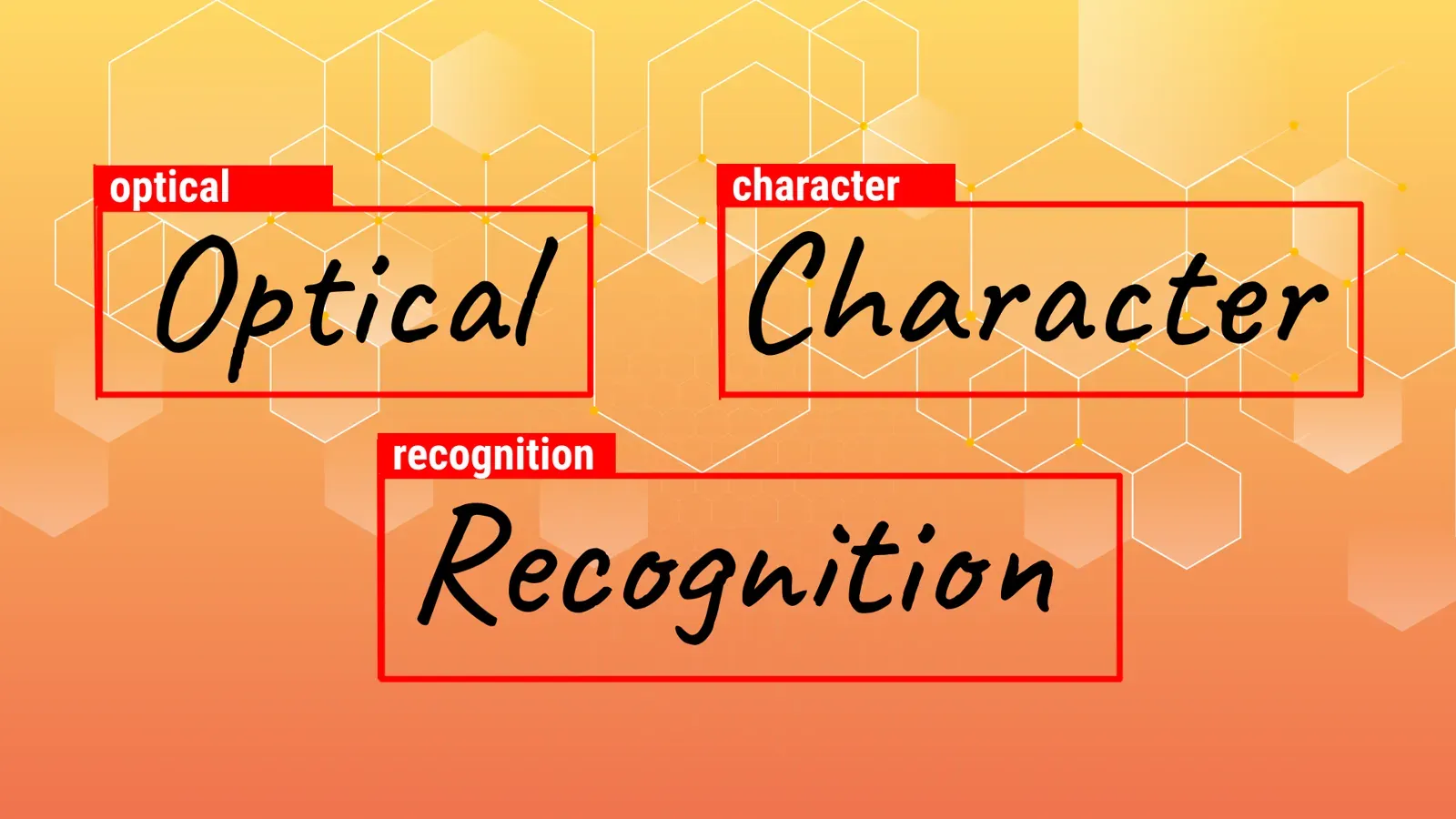
OCR Text Detection with MMOCR: How It Works and How to Run It
OCR text detection finds where text is in an image, recognition reads it. See how MMOCR does both and how to run it in Supervisely to pre-label text fast.
Animal Pose Estimation: Models, Datasets and How to Label Animals
Animal pose estimation finds keypoints on pets, livestock and wildlife. See which datasets and models exist, and how to label animal keypoints in Supervisely.
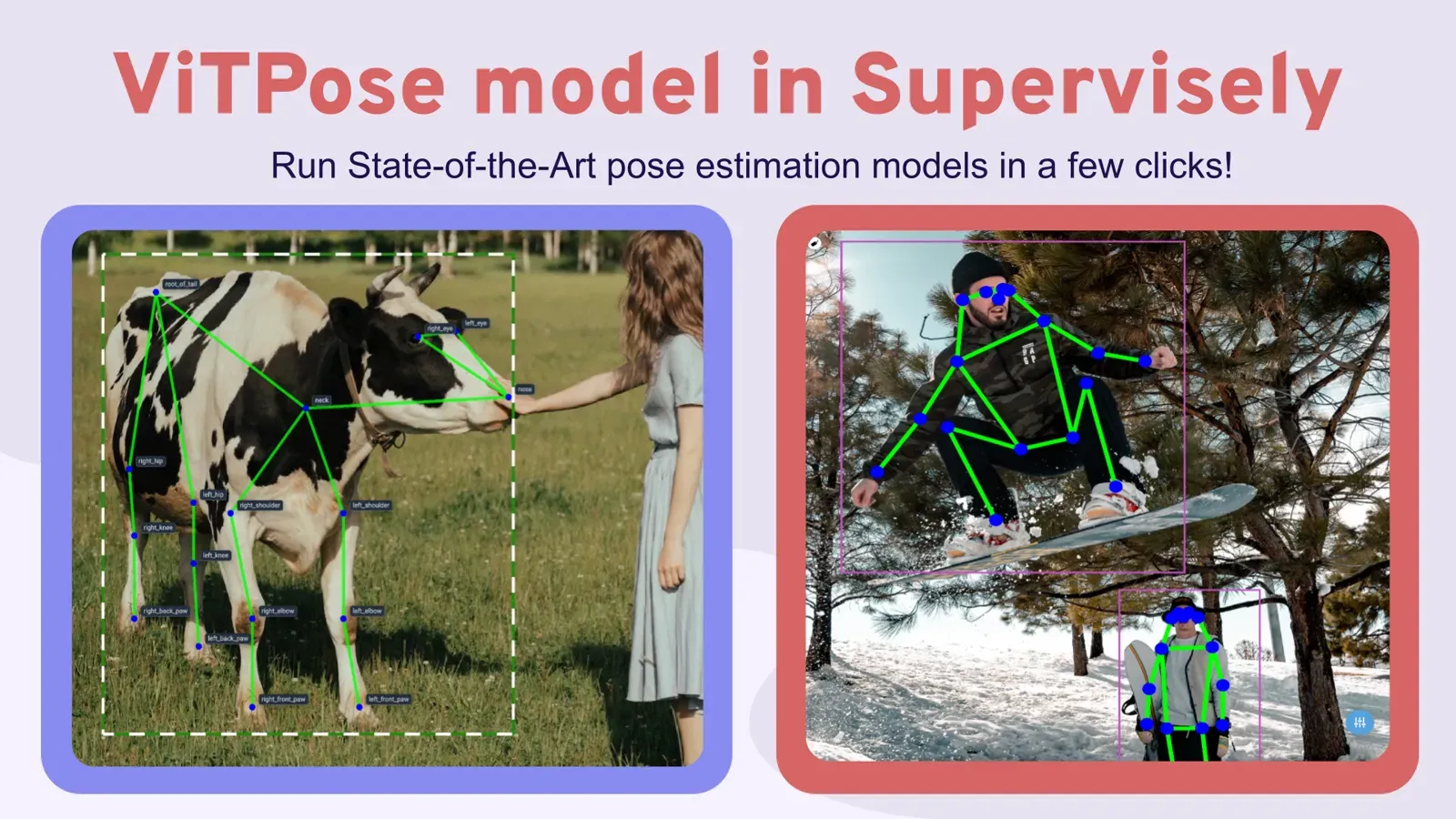
ViTPose Tutorial: Run ViTPose and Auto-Label Poses in Supervisely
ViTPose explained and step by step: deploy pretrained ViTPose checkpoints for humans and animals, pre-label keypoints, and run it with YOLOv8 on a full dataset.
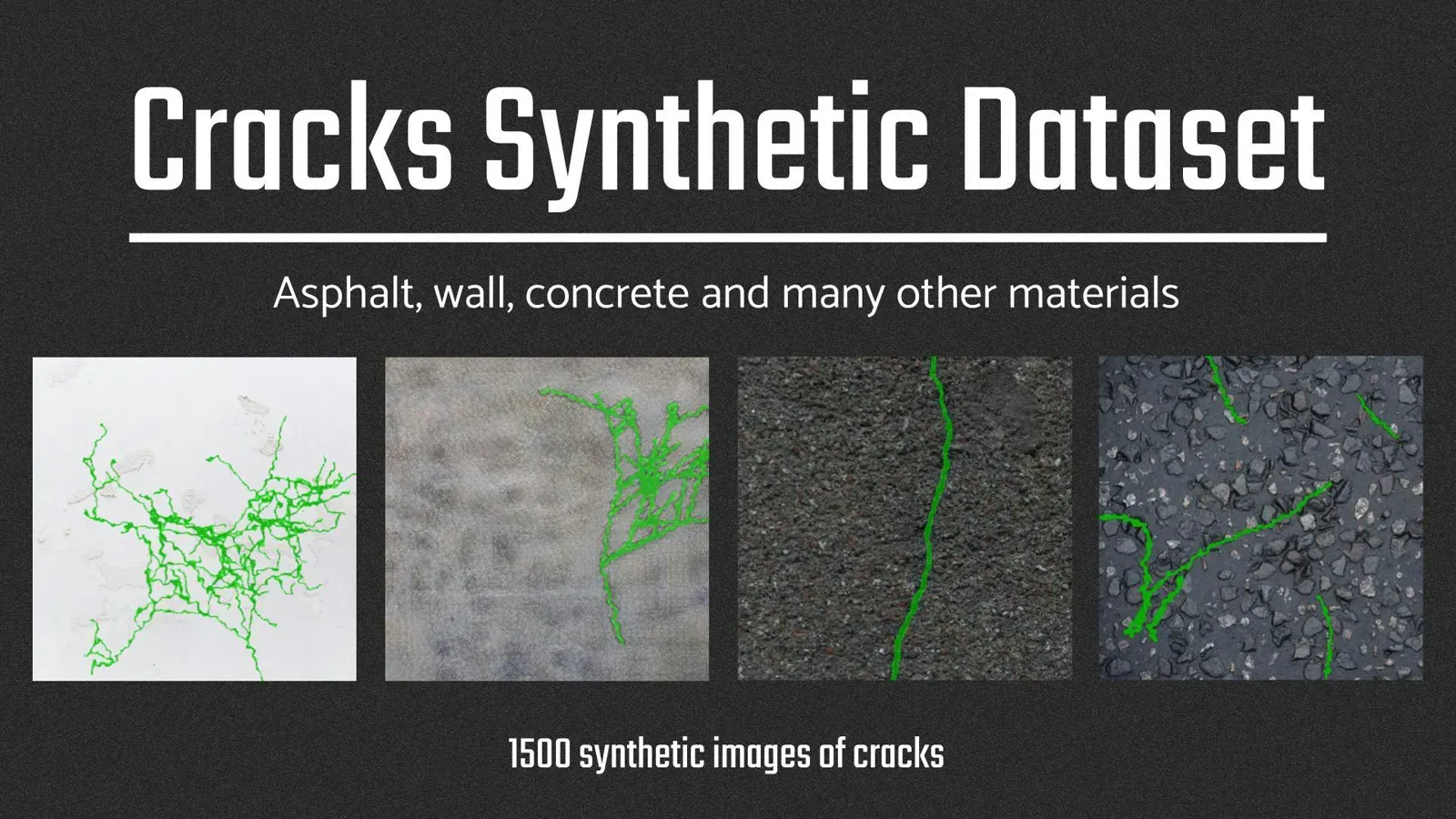
Synthetic Crack Segmentation Dataset: How We Built It
A synthetic crack segmentation dataset: 1,558 labeled 512x512 images built from real textures, procedural cracks and style transfer. See how it was made.
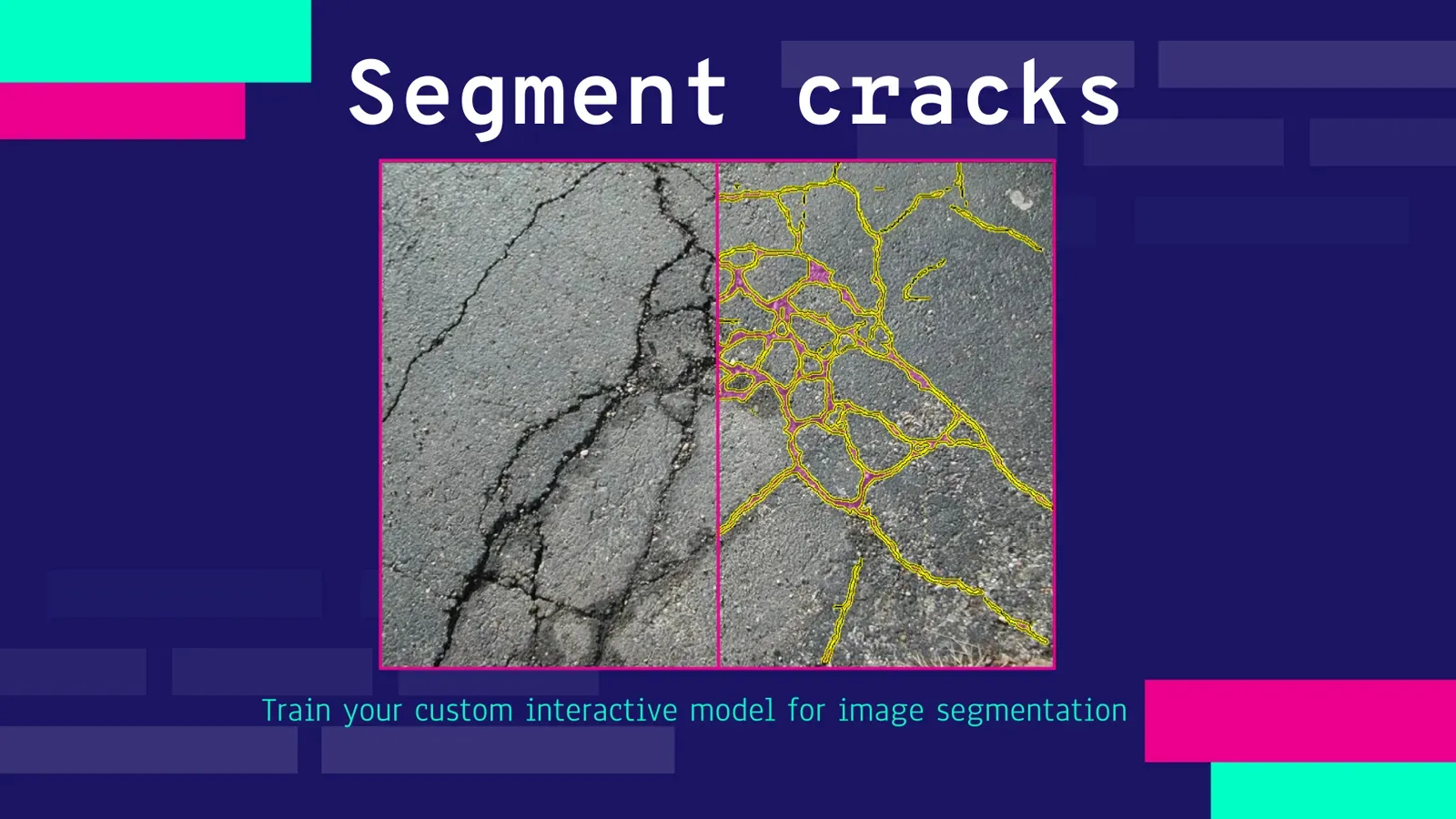
How to Train a Smart Tool for Crack Segmentation in Inspection
Train a custom RITM smart tool for crack segmentation in inspection images, no code. Data, GPU setup, training and serving, tested on 70 unseen photos.
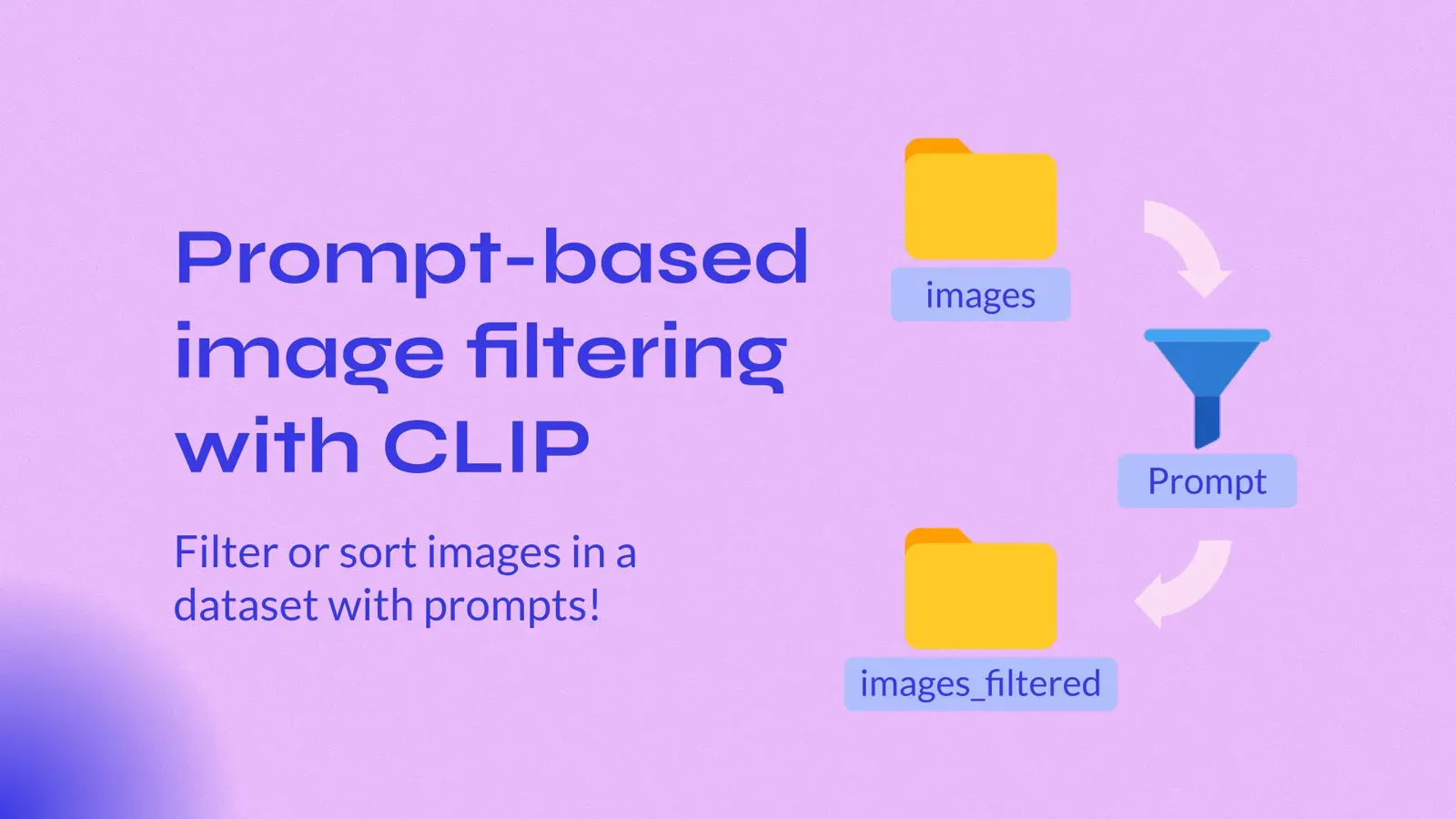
OpenAI CLIP for Image Retrieval: Filter a Dataset by Text Prompt
Type a text prompt and find the most relevant images in a large training dataset. See how CLIP embeddings work and filter images with a UI in Supervisely.
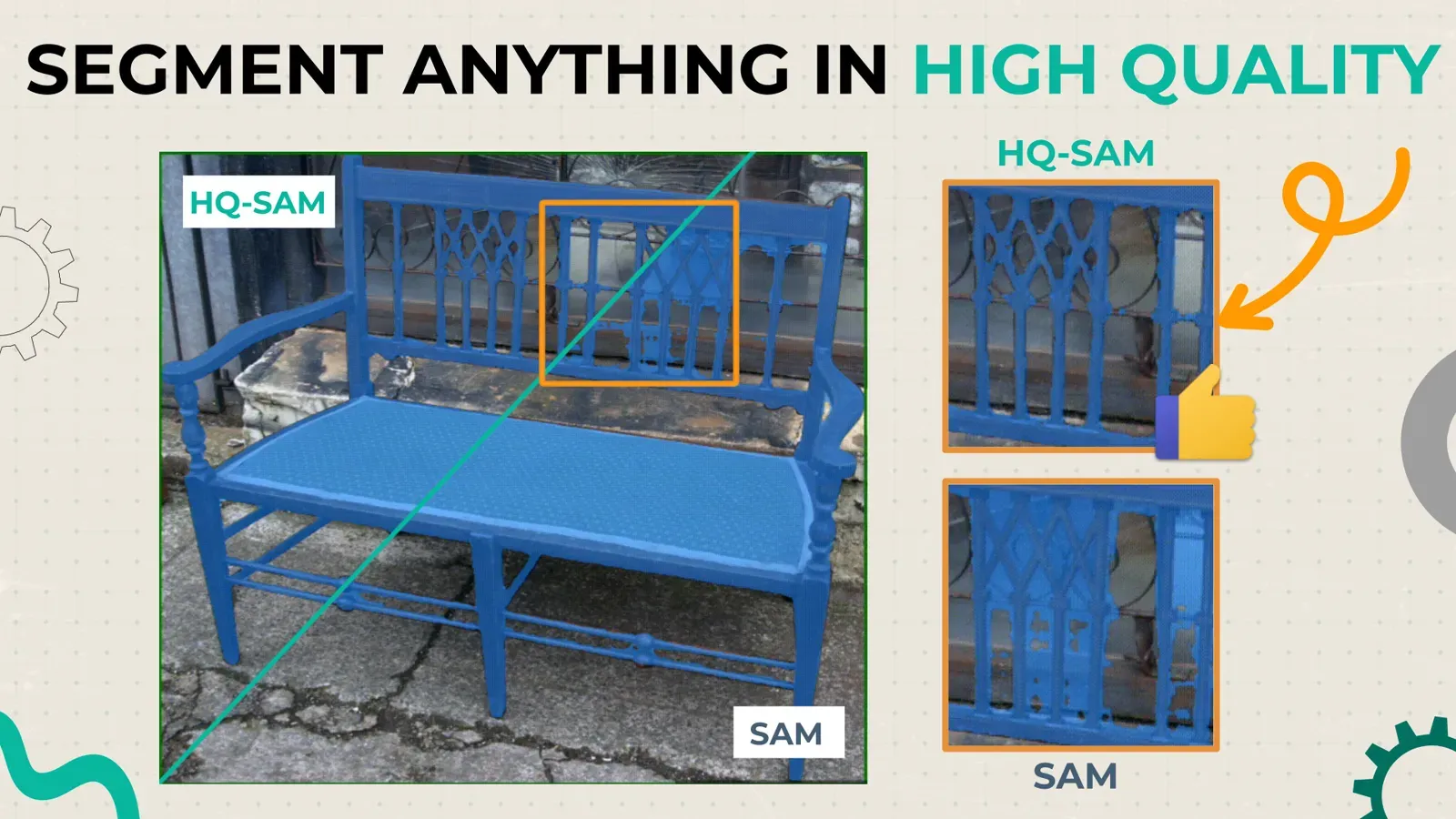
Segment Anything in High Quality (HQ-SAM) vs SAM: Tutorial
HQ-SAM keeps SAM's weights but predicts sharper masks on thin and complex objects. See side-by-side results and how to run both models in Supervisely.
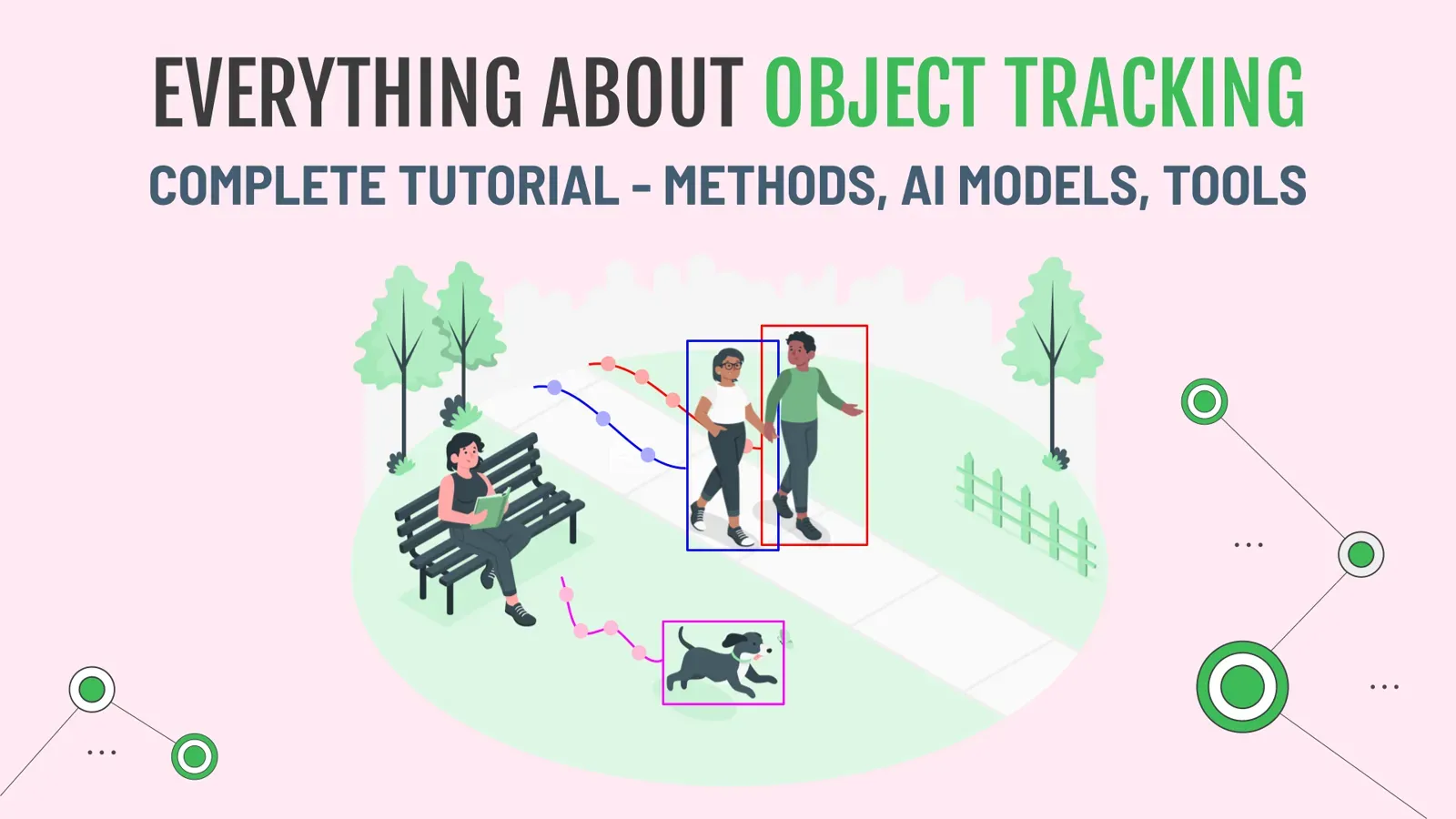
Object Tracking Guide: Models, Tools and Methods (SOT, MOT, VOS)
Object tracking explained: single vs multiple object tracking, tracking-by-detection, video object segmentation, and how to automate tracking in Supervisely.
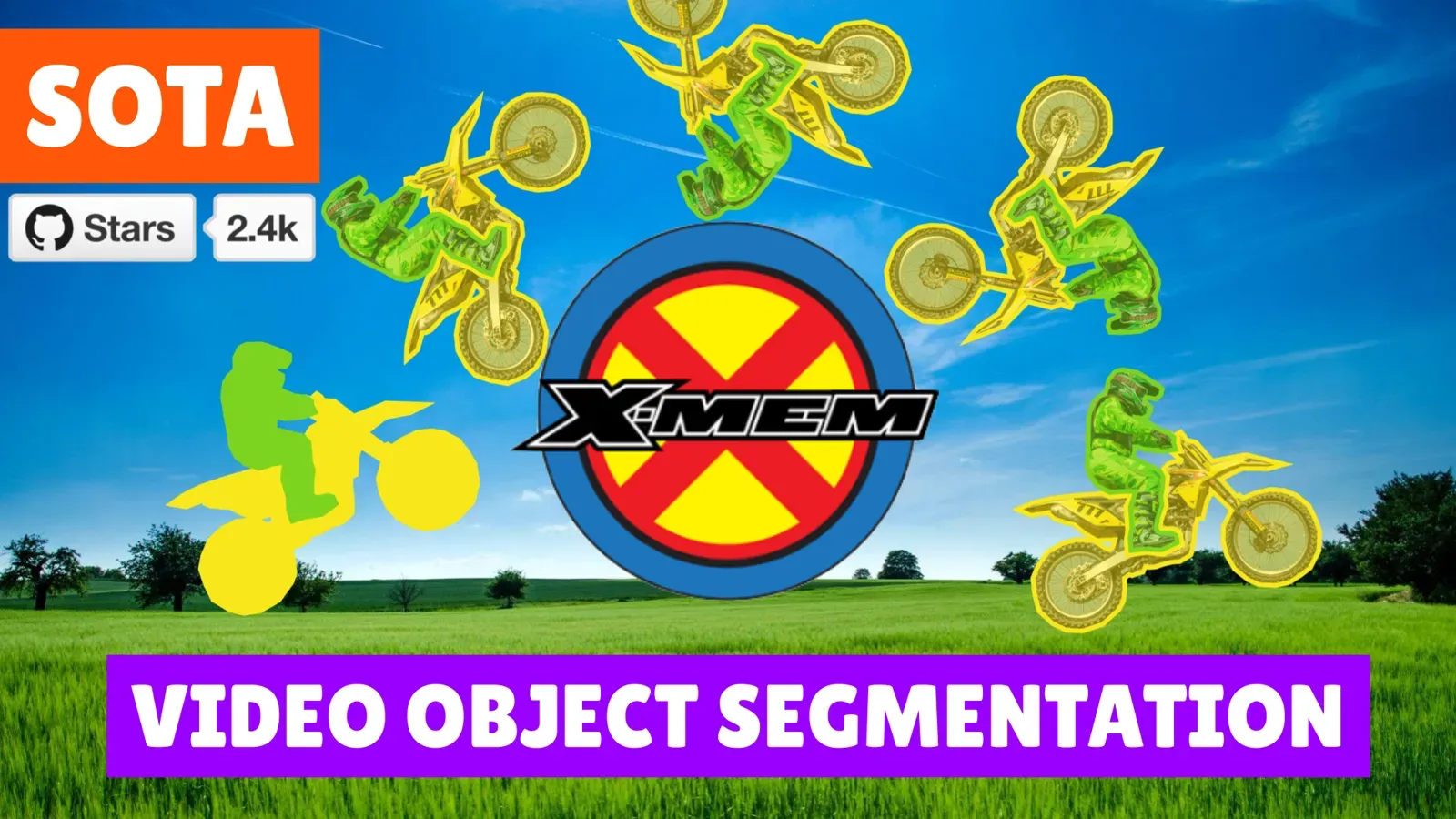
Video Object Segmentation With XMem and Segment Anything
Mask an object on the first frame with Segment Anything, then let XMem track it through the whole video. Setup steps for video labeling in Supervisely.
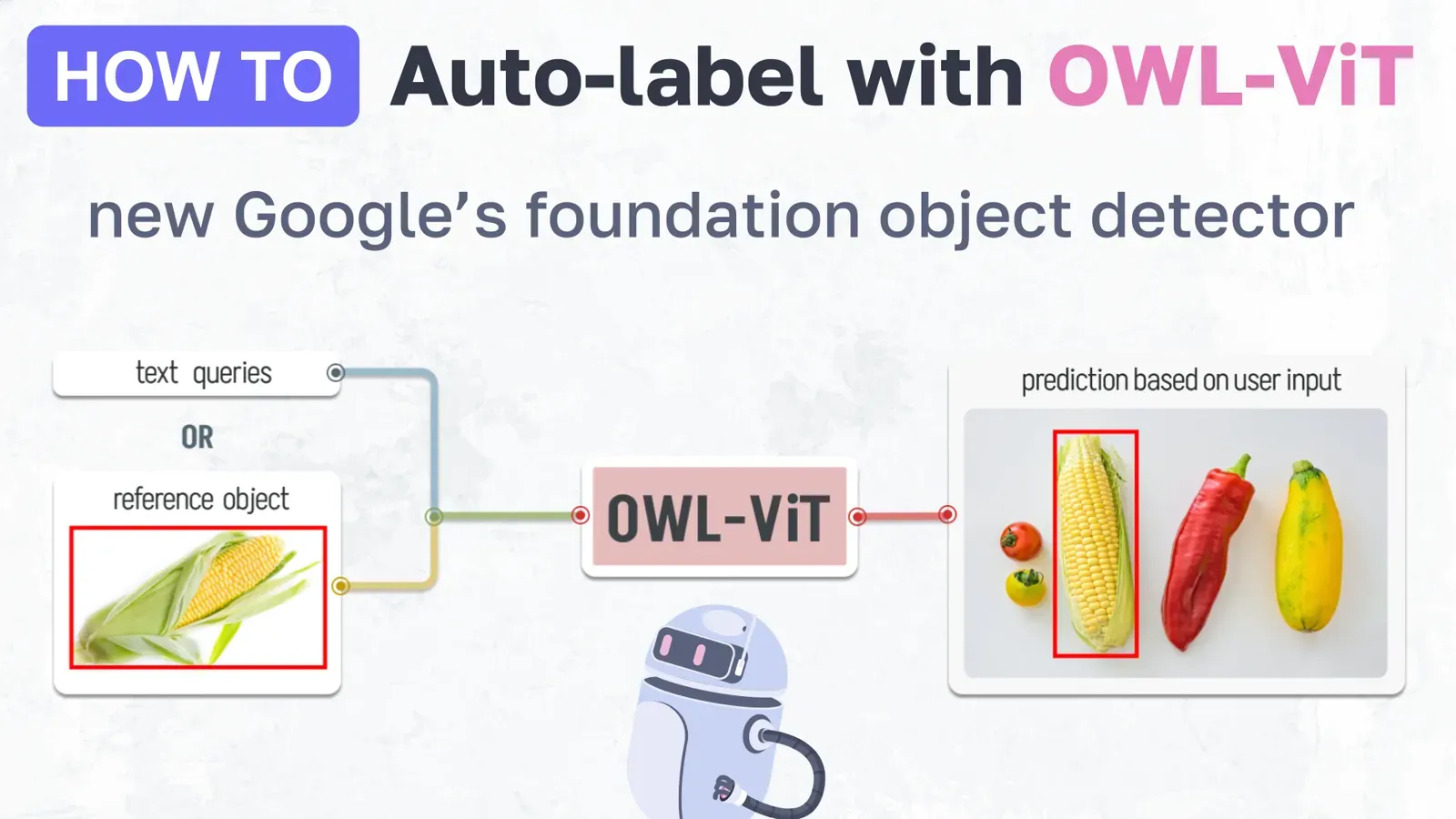
OWL-ViT Few-Shot Object Detection: Auto-Label Images With One Example
OWL-ViT finds objects from a text prompt or a single reference box. See how to run it in Supervisely and pre-label a whole dataset on your own GPU.
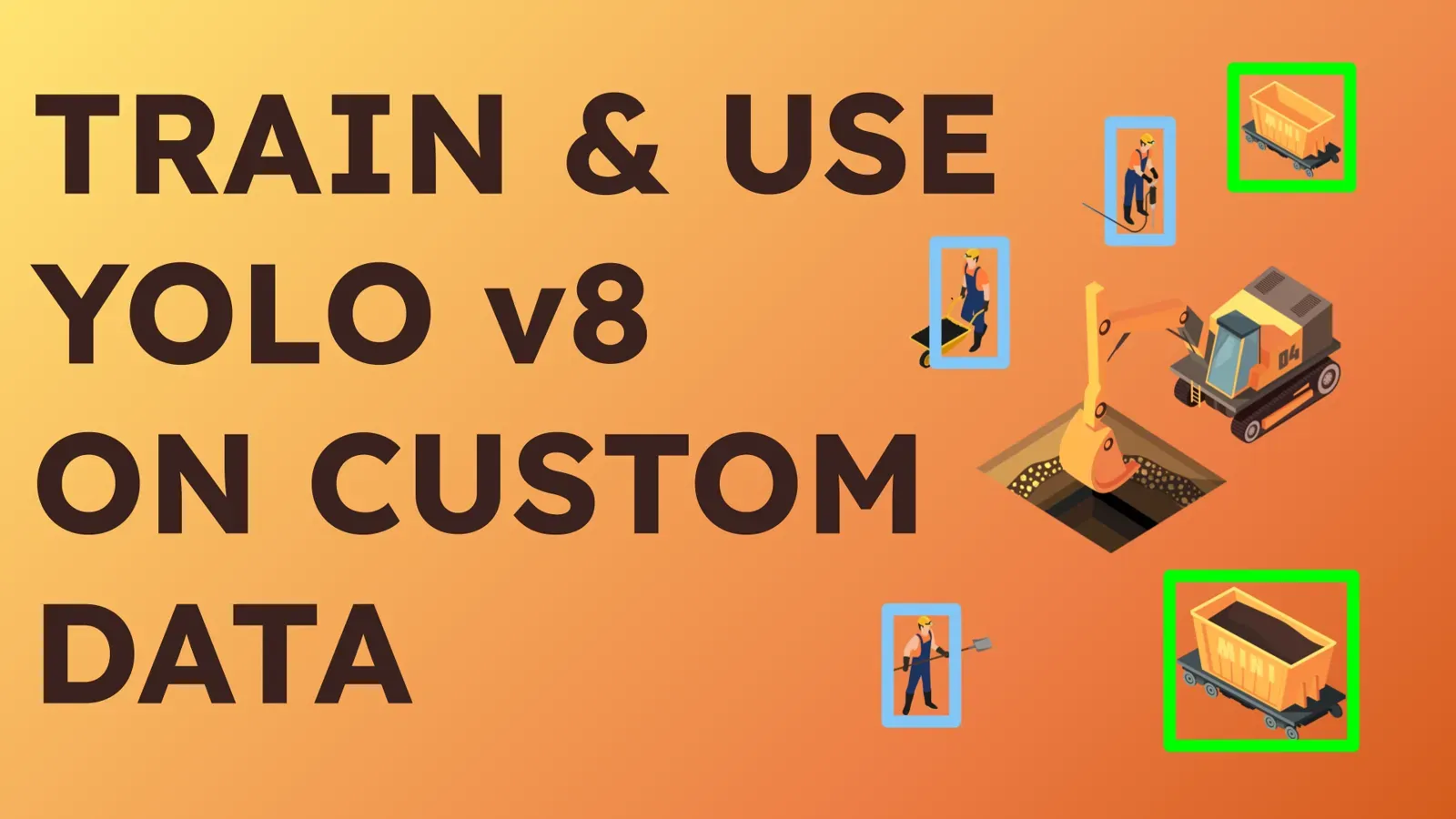
How to Train YOLOv8 on Custom Data Without Code
Train YOLOv8 on your own dataset in the browser: prepare data, connect a GPU, train, deploy and pre-label images with no code. With demo data.
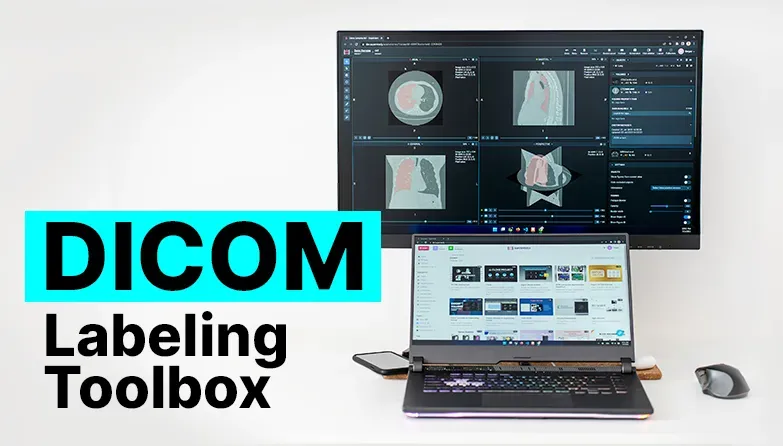
DICOM Annotation: How to Label CT, MRI and NIfTI Medical Images
How to annotate DICOM, NRRD and NIfTI scans in 2D and 3D: formats explained, windowing, interpolation, AI tools, HIPAA and on-premise options. Try it free.
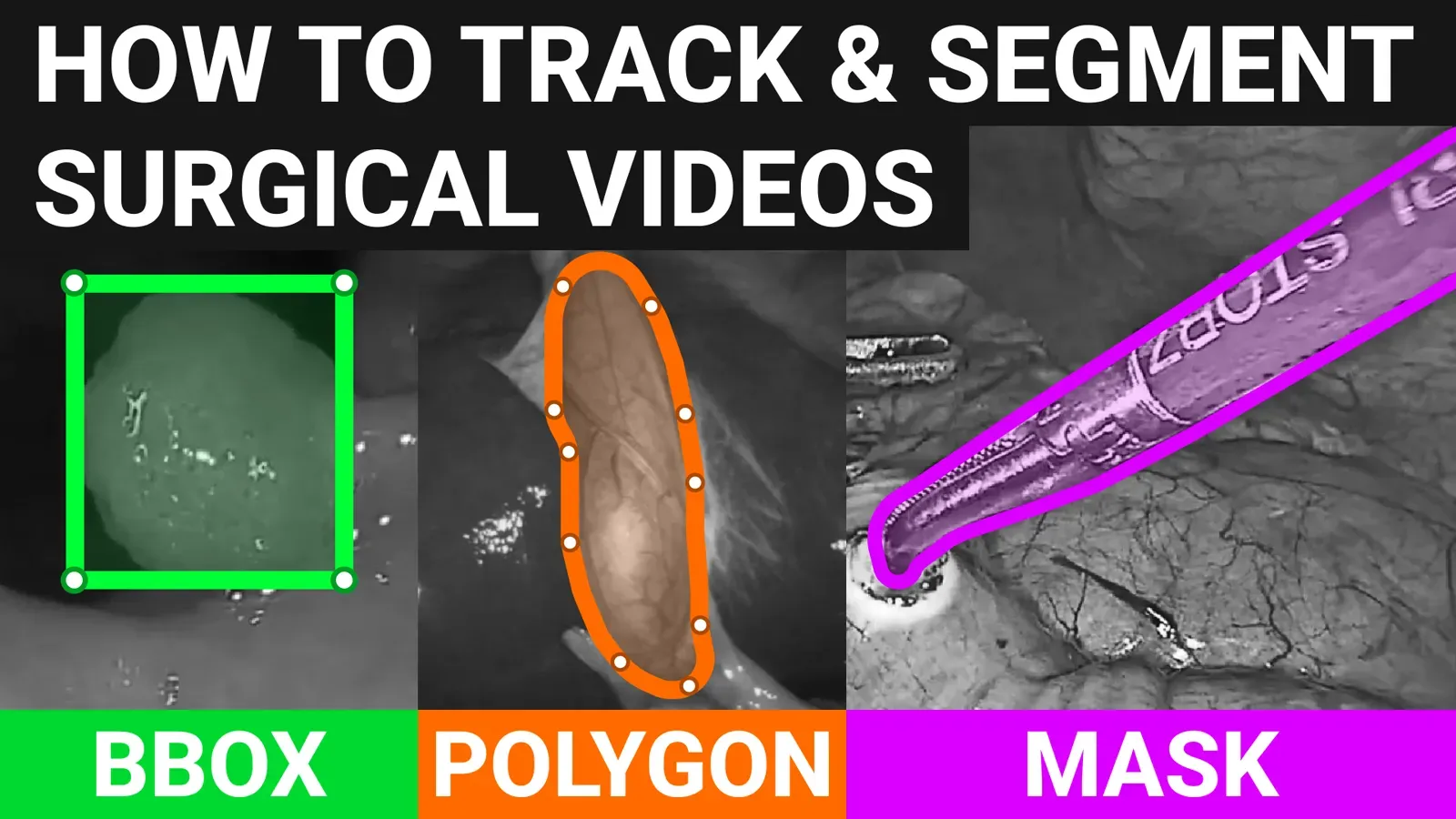
Surgical Video Annotation With AI: 5 Tools in Supervisely
Five AI-assisted tools for labeling surgical video in one platform: box and polygon tracking, SmartTool masks, action tags and team review. See how each works.
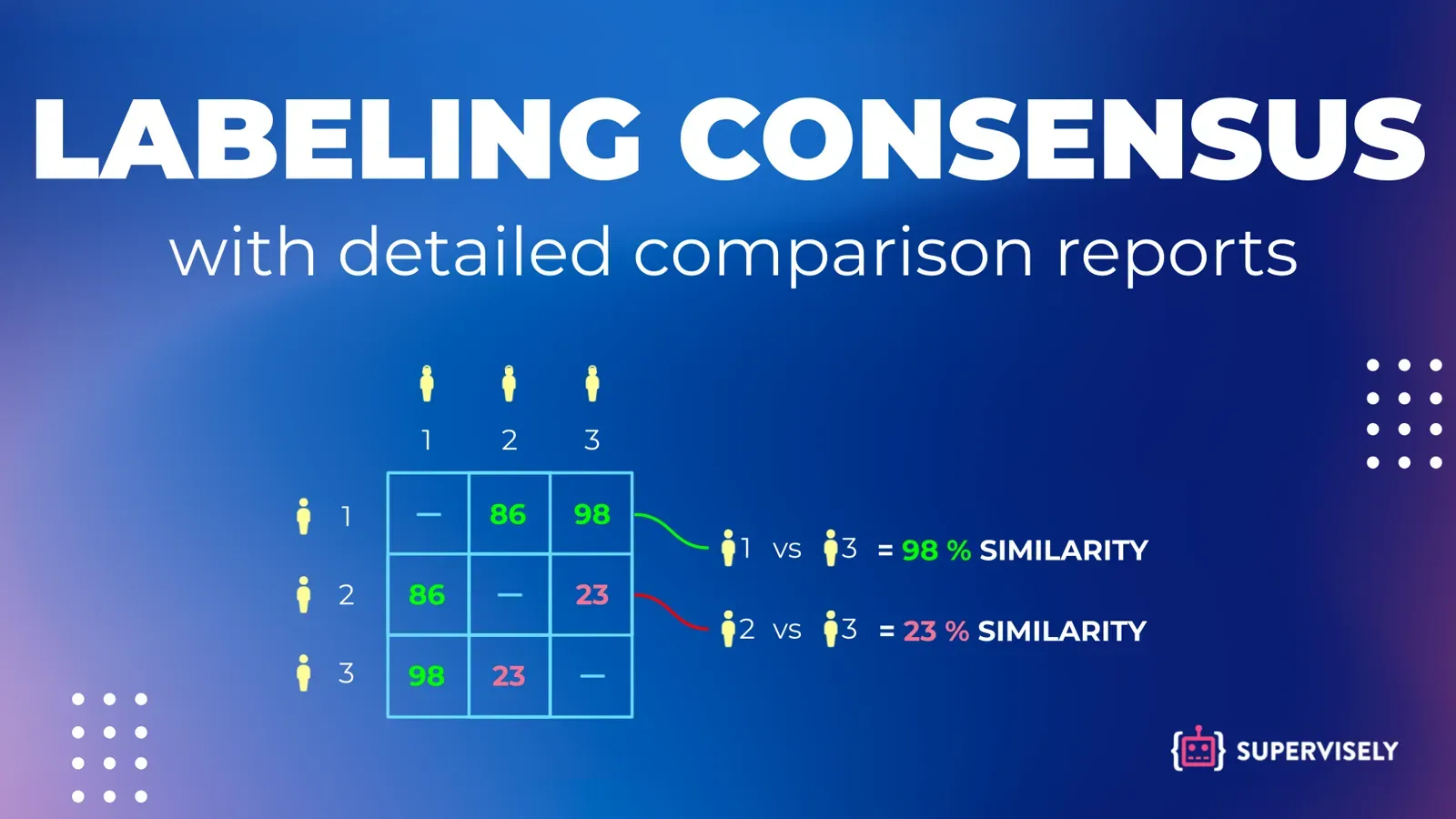
Inter-Annotator Agreement: Metrics and Consensus Labeling
Inter-annotator agreement shows how consistent labelers are. Learn Cohen's kappa, Fleiss' kappa, Krippendorff's alpha and IoU, then run consensus labeling.