
Object Tracking Guide: Models, Tools and Methods (SOT, MOT, VOS)
 Max KolomeychenkoUpdated
Object tracking explained: single vs multiple object tracking, tracking-by-detection, video object segmentation, and how to automate tracking in Supervisely.
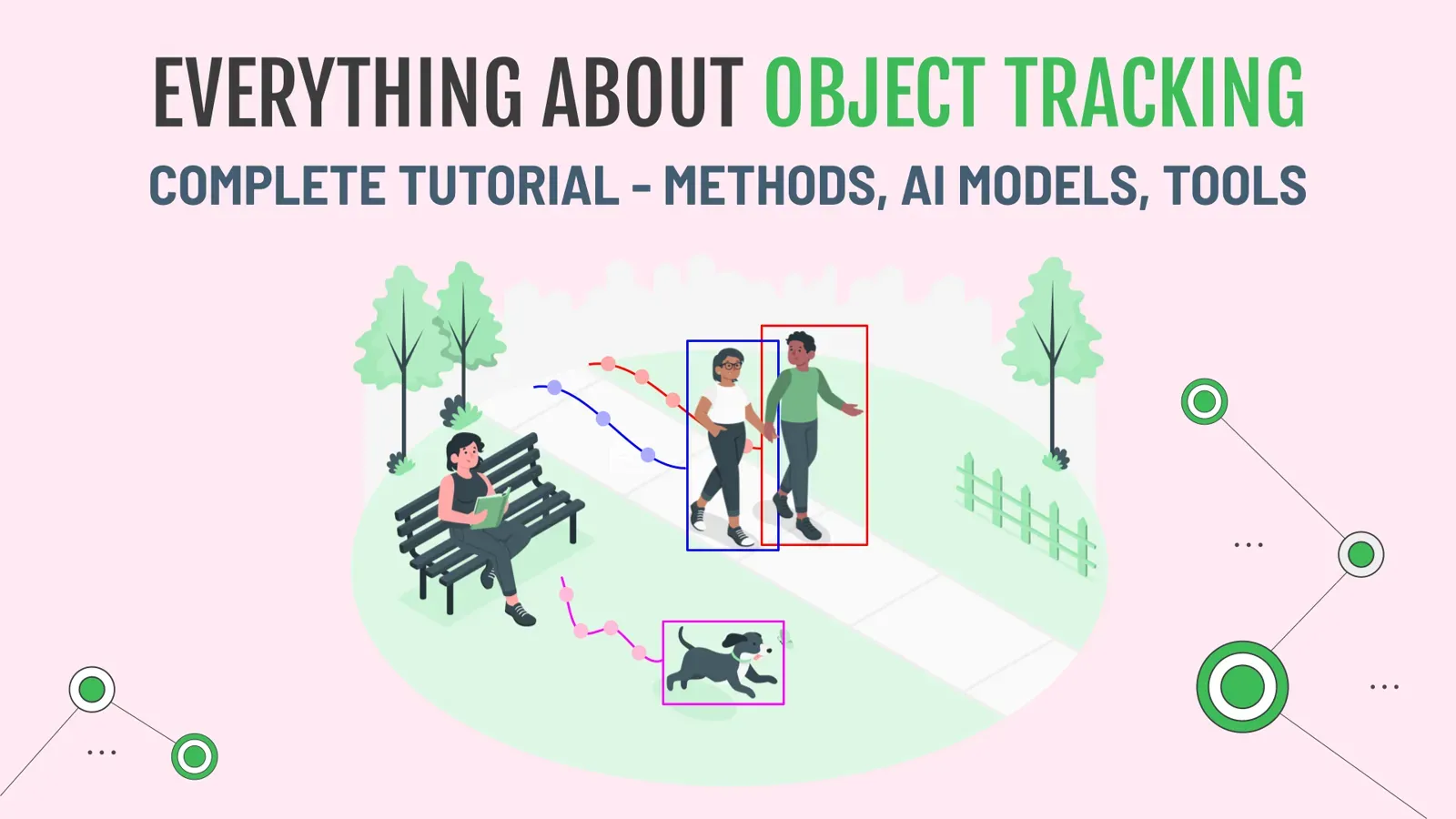
Object tracking predicts the position of a target on every video frame and keeps its identity over time. The main types are single object tracking (SOT), multiple object tracking (MOT) and video object segmentation (VOS). This guide explains each, compares current models and trackers, and shows how to automate tracking in Supervisely video labeling.
Tracking is hard to label by hand. A one-hour video at 24 frames per second has 86400 frames (60 x 60 x 24). With 8-12 objects per frame, that is about one million boxes.
 Number of frames in a general one-hour video
AI tracking places those boxes automatically, and you only correct the errors. Below we also clear up the confusing terminology in this field.
Video tutorial
In this video guide, you will learn how to use state-of-the-art models for object tracking inside the video annotation tool to automate manual object tracking.
What is visual object tracking?
Object tracking is a computer vision task that predicts the position of a given target object on each video frame. It is used in robotics, video surveillance, autonomous cars, human-computer interaction, augmented reality and other fields.
This guide covers four subtasks:
- Single Object Tracking (SOT)
- Multiple Object Tracking (MOT)
- Semi-supervised class-agnostic Multiple Object Tracking
- Video Object Segmentation (VOS)
What is the difference between SOT, MOT and VOS?
| Task | Input | Output | Classes | Best for |
|---|---|---|---|---|
| Single Object Tracking (SOT) | Box on the first frame | One box per frame | Any (class-agnostic) | Labeling one custom object |
| Multiple Object Tracking (MOT) | Video only | Tracks with IDs for predefined classes | Fixed set | Production analytics: counting, behavior |
| Semi-supervised class-agnostic MOT | Boxes on the first frame | One track per box | Any | Fast labeling of many custom objects |
| Video Object Segmentation (VOS) | Mask on the first frame | Mask per frame | Any | Pixel-accurate tracking |
Details on each below.
What is Single Object Tracking (SOT)?
Single Object Tracking (SOT) is the task of localizing one object on all video frames based on the manual annotation provided on the first frame. The user labels the target object with a bounding box on the first frame and then a neural network finds the object on the next frames. The annotation of a target object is often called a template, and the next frame is called a search area.
Neural networks from this category are trained to track any object using the annotation on the first frame. Such models are called class-agnostic neural networks. Thus, they can be directly used inside the video annotation tool 🚀 to speed up manual labeling by automatically tracking any object.

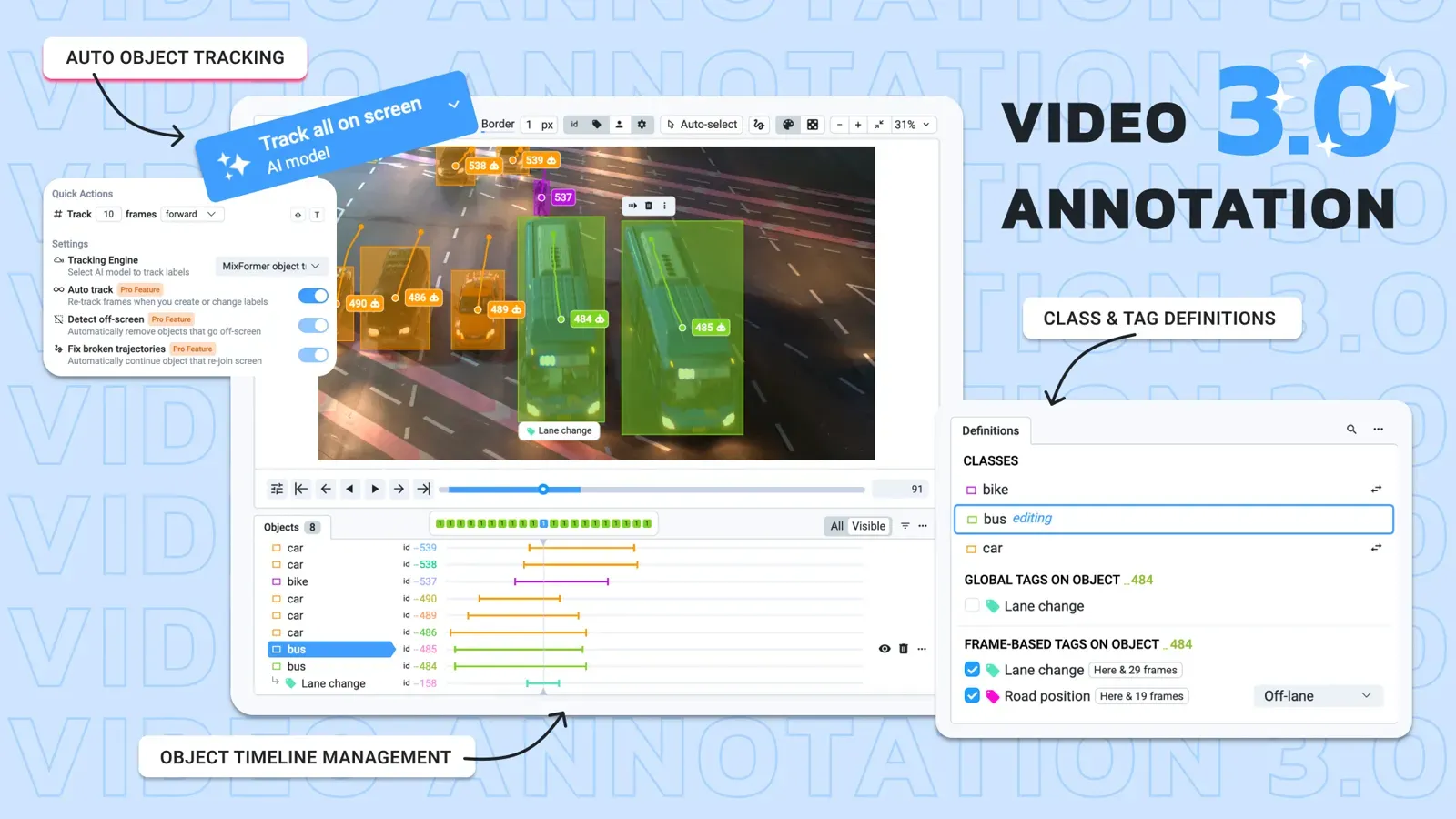
Watch the demo below, it shows how the best class-agnostic models for single object tracking can be used inside Supervisely Video Labeling Toolbox for manual video labeling automation:
What is Multiple Object Tracking (MOT)?
This is probably the most confusing terminology in the Object Tracking field:
Multiple Object Tracking is not just Single Object Tracking, but for multiple objects.
Traditionally, in the literature, Multi-Object Tracking (MOT) is the task of automatically detecting the objects of the predefined set of classes and estimating their trajectories in videos. It means that such models were trained to detect and track only a specific set of classes. In general, it works the following way: the model automatically detects objects of certain classes on the frames and it is not possible to provide user feedback or correct the model during the process.
It is less common to use this approach inside video labeling tools during the annotation, but it is a typical production scenario where the deployed model predicts object tracks on videos and then some post-processing is applied to extract some insights from the data: for example, count objects or find objects with deviant unusual behavior.
The Multiple Object Tracking process consists of two steps. The first step is to automatically detect the objects on the frame (detection problem). The second step is to combine detections from neighboring frames into tracklets (association problem or re-ID problem).
Some neural networks can solve both detection and association problems end-to-end simultaneously in a shared neural network. Inference speed will be faster, but the main problem with them is that they require labeled videos for training which is hard to obtain quickly. In addition, if you decide to update production requirements and track an additional class, you will have to label it in the entire training dataset. These factors make them difficult to use in production.
It is more common and convenient to use separate neural networks for detection and re-ID problems. It is usually referred to as the Tracking-by-Detection paradigm. Diagram credit.
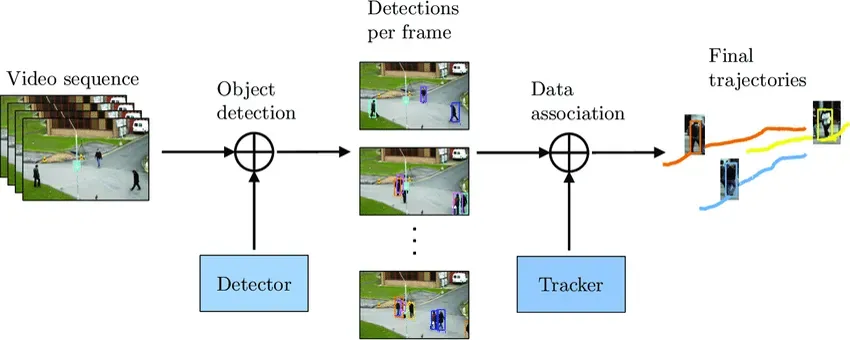 Tracking-by-detection paradigm. Firstly, an object detector predicts objects on all video frames. Secondly, a tracking algorithm runs on top of the detections to perform data association, i.e. link the detections to obtain full trajectories.
For example, a detection model just predicts bounding boxes on every frame and then a separate algorithm combines isolated predictions into the instance tracks. This approach has its benefits and drawbacks. It is easier to implement, train and customize. Any part of the pipeline can be easily replaced and improved with the newly released state-of-the-art neural network.
You can train a custom detection model on your custom dataset with labeled images and then use a trained detection model for object tracking on videos. Check out how to Train and predict a custom YOLOv8 model in Supervisely without coding in our tutorial.
But the main drawback compared with end-to-end models is that you should use two separate models instead of one and it leads to the decrease in performance - inference speed will be slower because of using two models instead of one.
In the video guide below, you will learn how to do object tracking using YOLOv8 on your videos in a few clicks. You need two Supervisely apps. The first one is to run the YOLOv8 model on your computer with GPU, and the second one is to get predictions on every video frame and combine them into tracks with a tracking algorithm.
Serve YOLOv8 | v9 | v10 | v11
Deploy YOLOv8 | v9 | v10 | v11 as REST API service

Apply NN to Videos Project
Predictions on every frame are combined with BoT-SORT/DeepSort into tracks automatically
We selected YOLOv8 just for demo, absolutely the same way you can use any detection model integrated into Supervisely including YOLOv5, MMDetection or Detectron2 frameworks.
How many frames and boxes does a tracking benchmark have?
Scale matters for training and evaluating trackers. The MOT17 benchmark has 42 sequences with 33,705 frames, 901,119 boxes and 3,993 tracks. The test set alone has 17,757 frames and 564,228 boxes.
ByteTrack, a widely used tracking-by-detection method, reports 80.3 MOTA, 77.3 IDF1 and 63.1 HOTA on the MOT17 test set at 30 FPS on a single V100 GPU. These are research numbers on one benchmark. Your results depend on the detector, the video and the frame rate, so test on your own footage.
Which object trackers and models should you use?
| Method | Type | Use it when | Source |
|---|---|---|---|
| MixFormer, TransT | SOT, class-agnostic | You mark one object and track it in the labeling tool | Apps above |
| YOLOv8 + tracking algorithm | MOT, tracking-by-detection | You have a trained detector for fixed classes | Supervisely apps |
| ByteTrack, BoT-SORT, OC-SORT | Tracking algorithms on top of a detector | You want a modern association step | Ultralytics tracking docs |
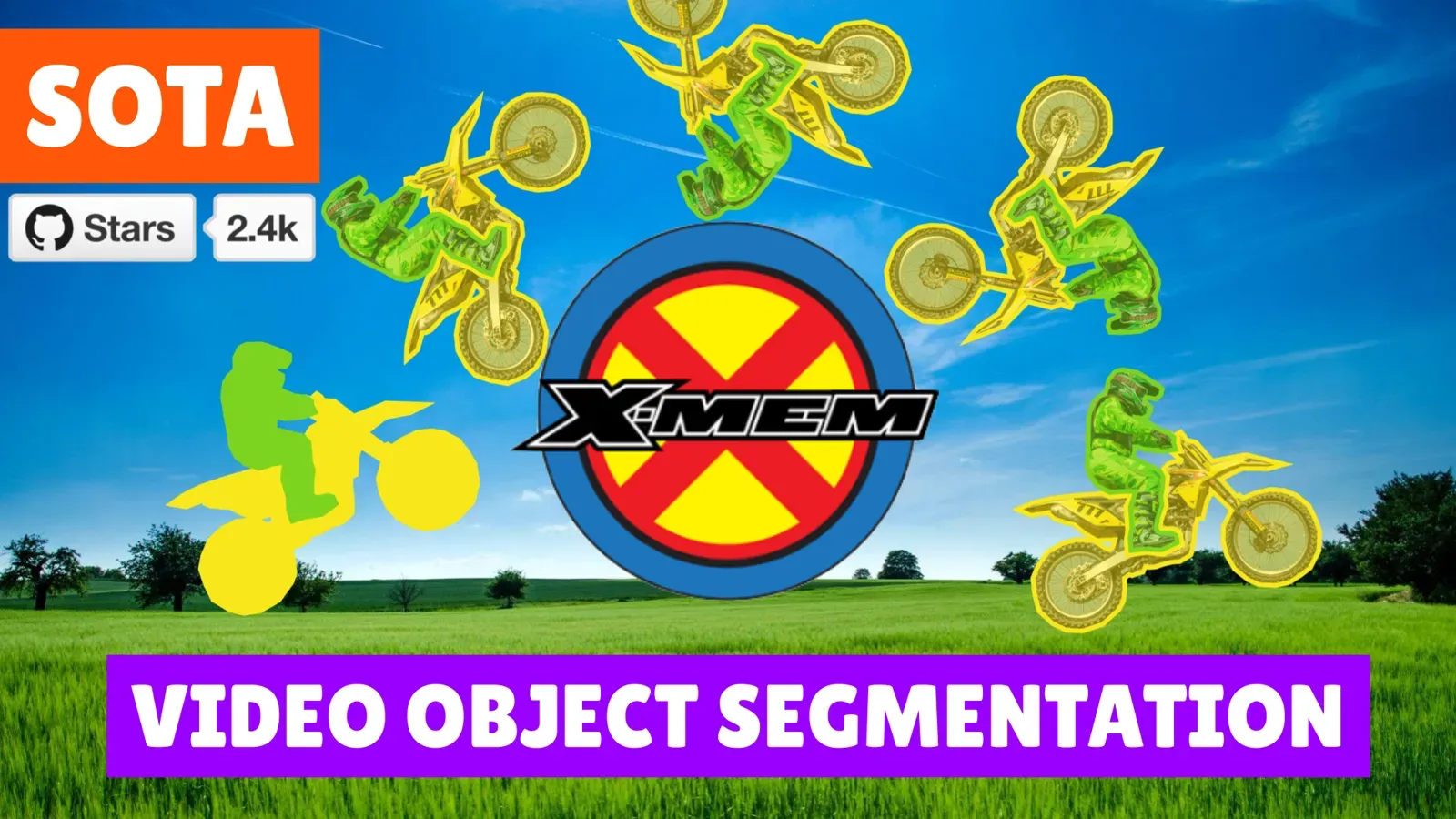
| XMem + Segment Anything | VOS | You need masks | XMem guide |
| SAM 2 / SAM 3 | Promptable video segmentation | You need masks with click or box prompts | SAM 2 guide |
Ultralytics lists six built-in trackers for its YOLO models: BoT-SORT, ByteTrack, OC-SORT, Deep OC-SORT, FastTracker and TrackTrack, picked with a tracker config file. Check the Ultralytics docs for the current default.
Semi-Supervised Class-Agnostic Multiple Object Tracking
Why can't we track multiple objects with the same approach as in Single Object Tracking? In academia, this task is not popular, but practically, it is very convenient to perform model-assisted labeling of custom objects (class-agnostic) on the first frame (semi-supervised) and then track them automatically on the next frames.
Let's do the simple procedure — apply SOT model to every object on the first frame. During the process, we will be able to correct tracking predictions and re-track objects. Thus user at the same time can achieve high annotation speed with the AI-assistance and has full control over the labeling quality.
Here is how you can do it:
What is video object segmentation (VOS)?
Video Object Segmentation is like Single Object Tracking, but with masks. You label the object mask on the first frame, and the model segments and tracks the target on the other frames.
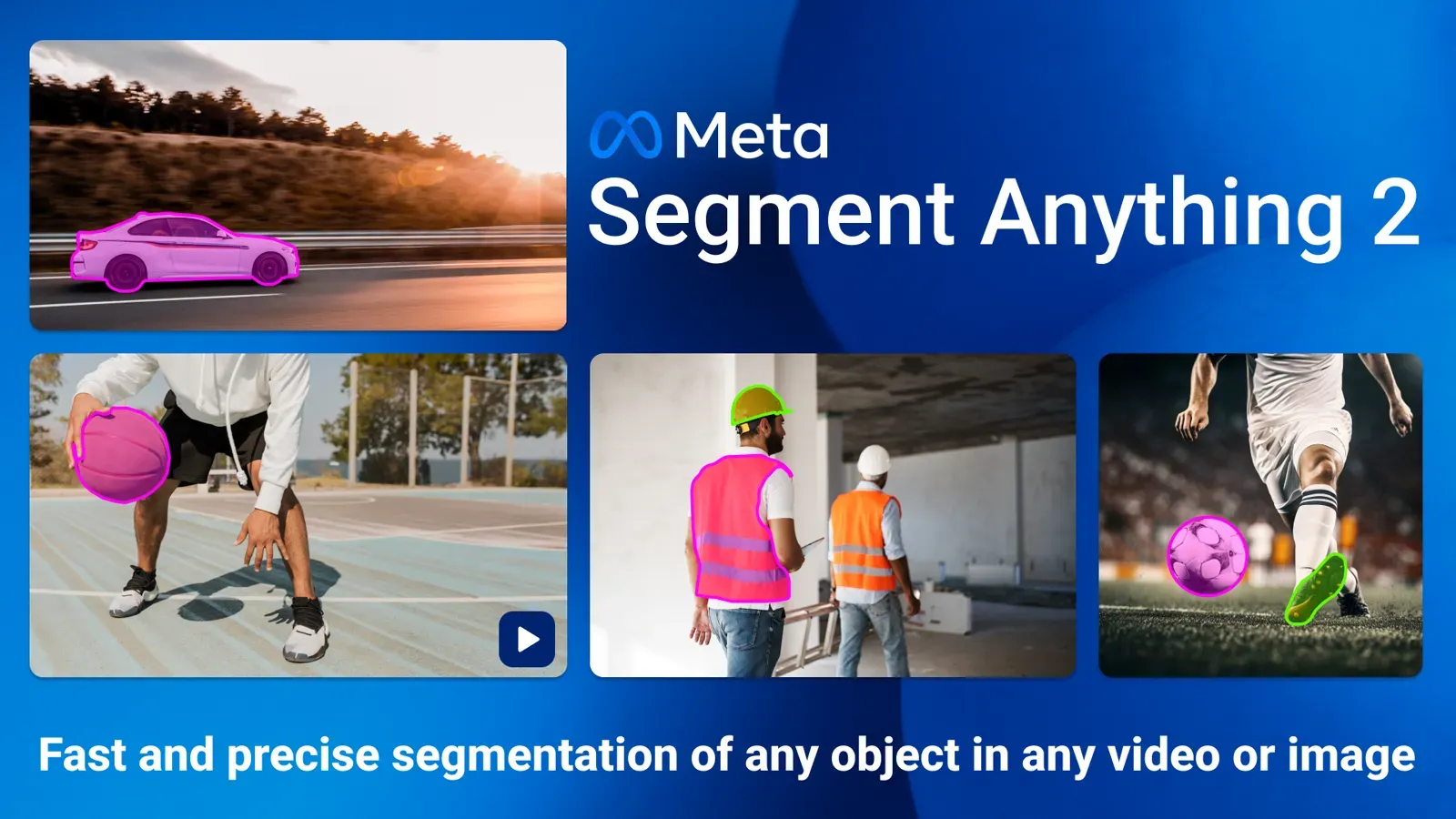
Newer models make this much easier. SAM 2 is a promptable video segmentation model: Meta reports it needs about three times fewer interactions than prior approaches and runs at about 44 frames per second. Its successor, SAM 3, adds text prompts and tracks every instance of a concept. For the earlier XMem workflow, see XMem + Segment Anything: Video Object Segmentation SOTA.
How to track objects in video in Supervisely
- Pick the approach. Custom objects: single object tracker or SAM 2. Fixed classes: a trained detector with tracking.
- Deploy the model on your GPU with its serving app.
- Label the first frame. Draw boxes or masks.
- Press Track in the video timeline, or run the apply-to-videos app for the whole video.
- Review the tracks in the timeline and fix drifting frames.
See the docs for video tracking and video object tracking with neural networks. The platform runs in the cloud or on-premise, and the Community Edition is free. For tracking in 3D, see MBPTrack for point clouds.
Conclusion
Use single object tracking or SAM 2 to label custom objects, tracking-by-detection for fixed classes in production, and VOS when you need masks. In every case, let the model do the first pass and review the tracks. The video tutorials above show each workflow in Supervisely.
Frequently asked questions
What is object tracking in computer vision?
Object tracking predicts where a target object is on every frame of a video and keeps its identity over time. It is used in robotics, video surveillance, autonomous driving and augmented reality. The main variants are single object tracking, multiple object tracking and video object segmentation.
What is the difference between single object tracking and multiple object tracking?
Single object tracking follows one object that you mark on the first frame, whatever its class. Multiple object tracking, in the research sense, detects objects of a fixed set of classes and links the detections into tracks. It is not simply single object tracking repeated for many objects.
What is tracking-by-detection?
Tracking-by-detection splits tracking into two steps. A detector finds objects on every frame, then a tracker such as ByteTrack, BoT-SORT or DeepSORT associates detections across frames into tracks. You can retrain or swap the detector without touching the tracker.
Which trackers does YOLO support?
Ultralytics lists six built-in trackers for its YOLO models, BoT-SORT, ByteTrack, OC-SORT, Deep OC-SORT, FastTracker and TrackTrack, selected through a tracker config file. Check the Ultralytics tracking docs for the current default.
Can SAM 2 be used for object tracking?
Yes. SAM 2 is a promptable video segmentation model. You segment an object on one frame and it tracks the mask through the video. It is a video object segmentation tool, so it returns masks rather than only boxes.
How do I automate object tracking for video labeling?
Label the object on the first frame, run a tracking model, then correct the result where it drifts. In Supervisely you can use single object trackers, SAM 2, or a detector with a tracking algorithm applied to the whole video, and fix tracks in the video timeline.